
Someone in your audience can't hear the speaker clearly. Someone else can't follow their language.
Live captioningLive captions on every phone, in every language, as the speaker talks.
Guests scan a QR code and read every word in the speaker's language, or in theirs from 100+. Big text they can resize, on the phone they brought. No app, no caption screen to rent.
- Included in every plan
- 100+ languages
- Transcript afterwards
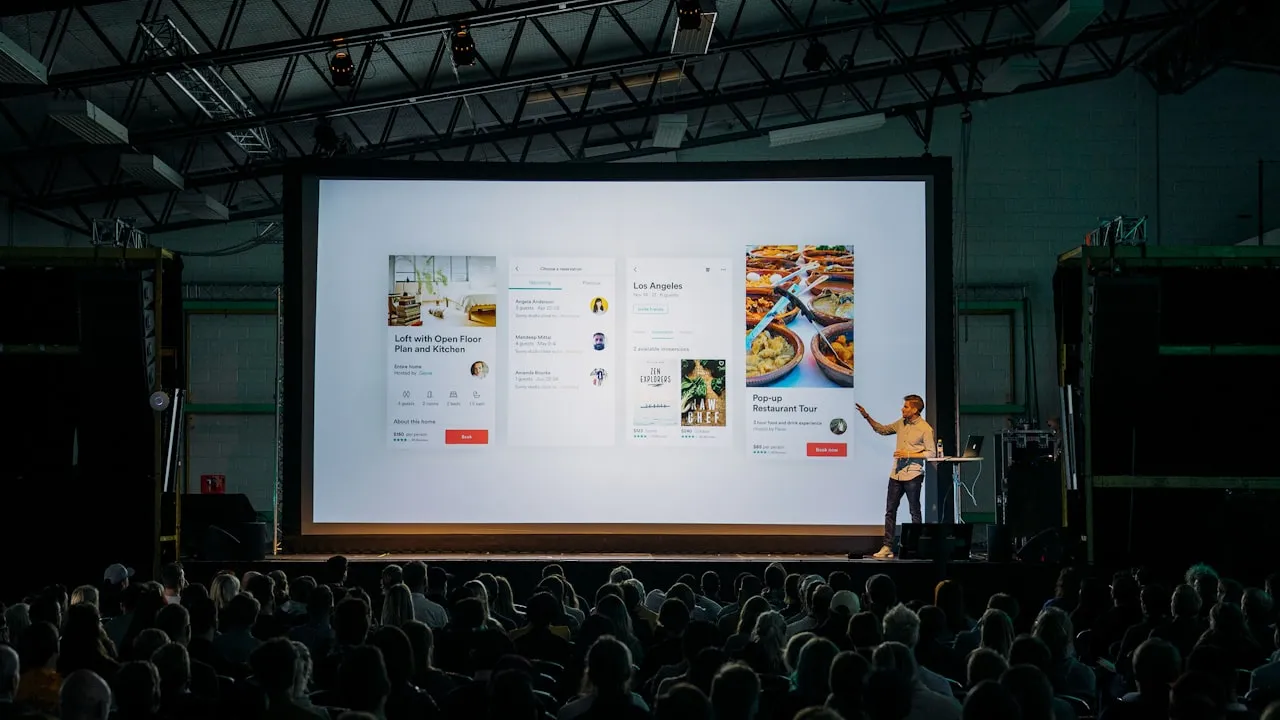
Keynote, in English
“This afternoon there are three breakout rooms.”
The short answer
What is live captioning?
Live captioning turns speech into text while the speaker is still talking. The words appear on a screen, or on people's own phones, a moment after they are said.
It helps deaf and hard-of-hearing guests, people at the back of a loud room, and anyone listening in a second language.
Captions
The speaker's own words, as text, in the speaker's language.
Translated captions
The same words in each guest's language. Often called live subtitles.
Transcript
Everything that was said, to read or download once the session ends.
InterScribe does all three for one session, from one QR code.
Picture this
Two people, one talk, and neither of them misses a word.
For example
Thursday, 9:05
The opening keynote
Two guests, one room, one QR code on the holding slide.
Row three
Ruth
Her hearing aids pick up the room's echo more than the speaker. Most years she catches half and reads the slides. This year she scans the code on her badge, picks English and makes the text bigger. She laughs at the joke at the same moment as everyone else.
Two rows behind
Daniel
He moved from Brazil last month. His English is fine for coffee, not for a forty-minute talk. Same code, Português. He reads along and writes down the one idea he came for.
- Text size, their choice
- Their language, from 100+
- Same QR code for both
How live captioning works
From the sound desk to every phone, while they speak.
One cable in, one QR code out. Guests do nothing but scan.
Sound in
The desk's mix, or any microphone, goes into a laptop running InterScribe in the browser.
Words appear
Speech recognition writes what is said in the speaker's language, spelling names from your glossary.
Translated
Each line is translated into every language a guest has picked. Only the ones in use.
On every phone
Guests scan the room's QR code and read in the browser. Online guests open the same link.
What matters most: clean sound from the desk and a steady upload connection where the laptop sits. Ask us about your room
Live captions
Big text they can resize, on the phone they brought.
The QR code
Share your portal or the room link, not a single event.
Open Share and choose Your portal. It shows what is live today and everything coming up, so the QR you print once keeps working when the next session changes. A room link that opens whatever is live or next in that room is on its way. The panel also has the link, a short event code for people who would rather type, and posters and slides ready to print.
- On the holding slide before the talk
- On badges, programmes and the bulletin
- On a poster by the door

- Choose Your portal, not This event
- Copy the link or download the QR
- A short code for people who type
Captions or CART?
A person typing, or speech recognition on every phone.
CART (Communication Access Realtime Translation) is a trained captioner writing the speaker live. It is the right call when you need a person, word for word, in one language. Here is where the two differ.
After the session
The captions become a transcript in every language.
When the session ends, each language guests used is waiting: read it, download it, or take the SRT file for your recording. An AI summary is ready too, for the people who missed it.

- One transcript per language
- Download, SRT included
- Highlights and AI summaries
Who uses live captioning
Rooms where people gather to listen.
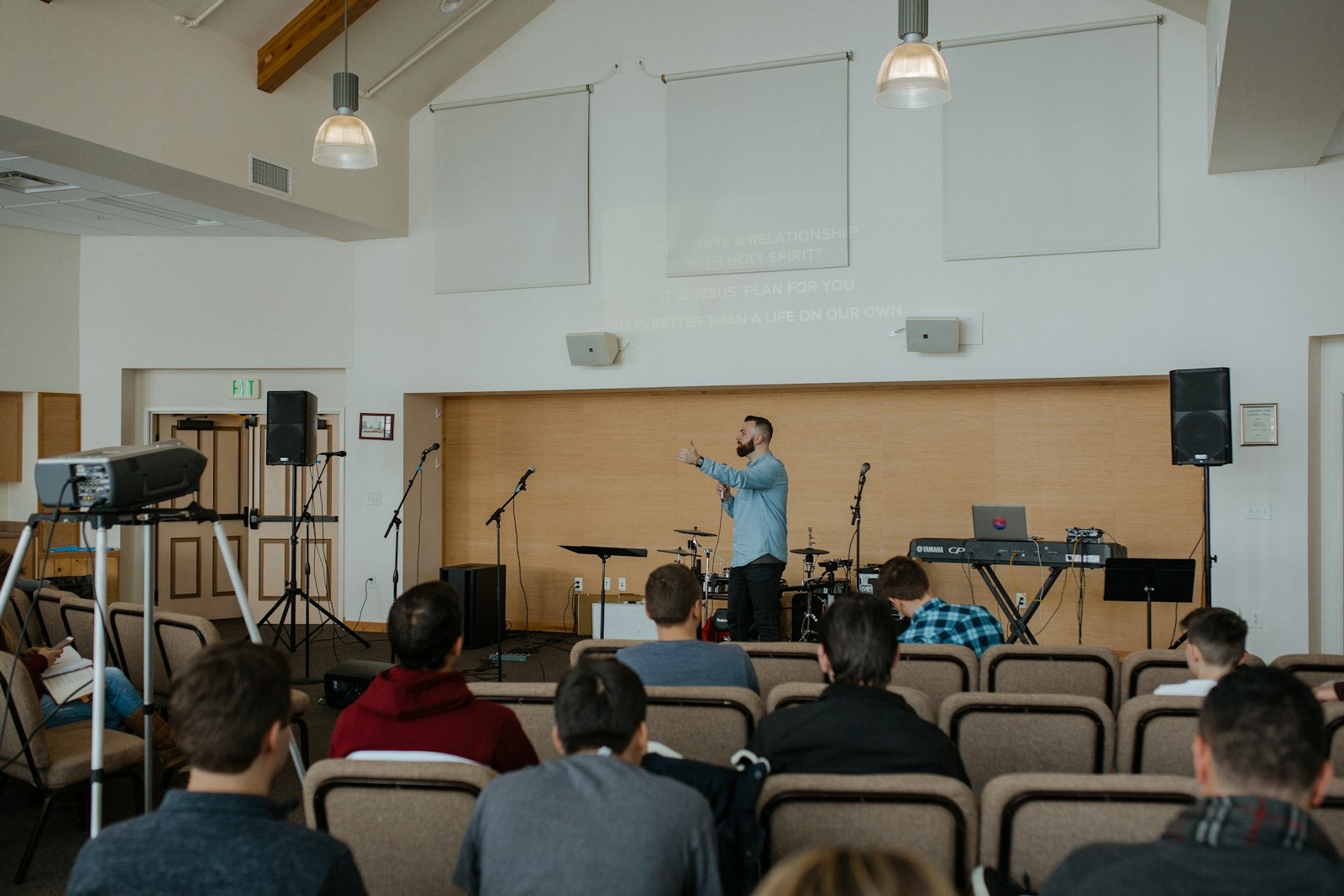 ChurchesThe whole message, in every seatSermons, songs and announcements captioned for the hard of hearing and for every language in your church family.For churches
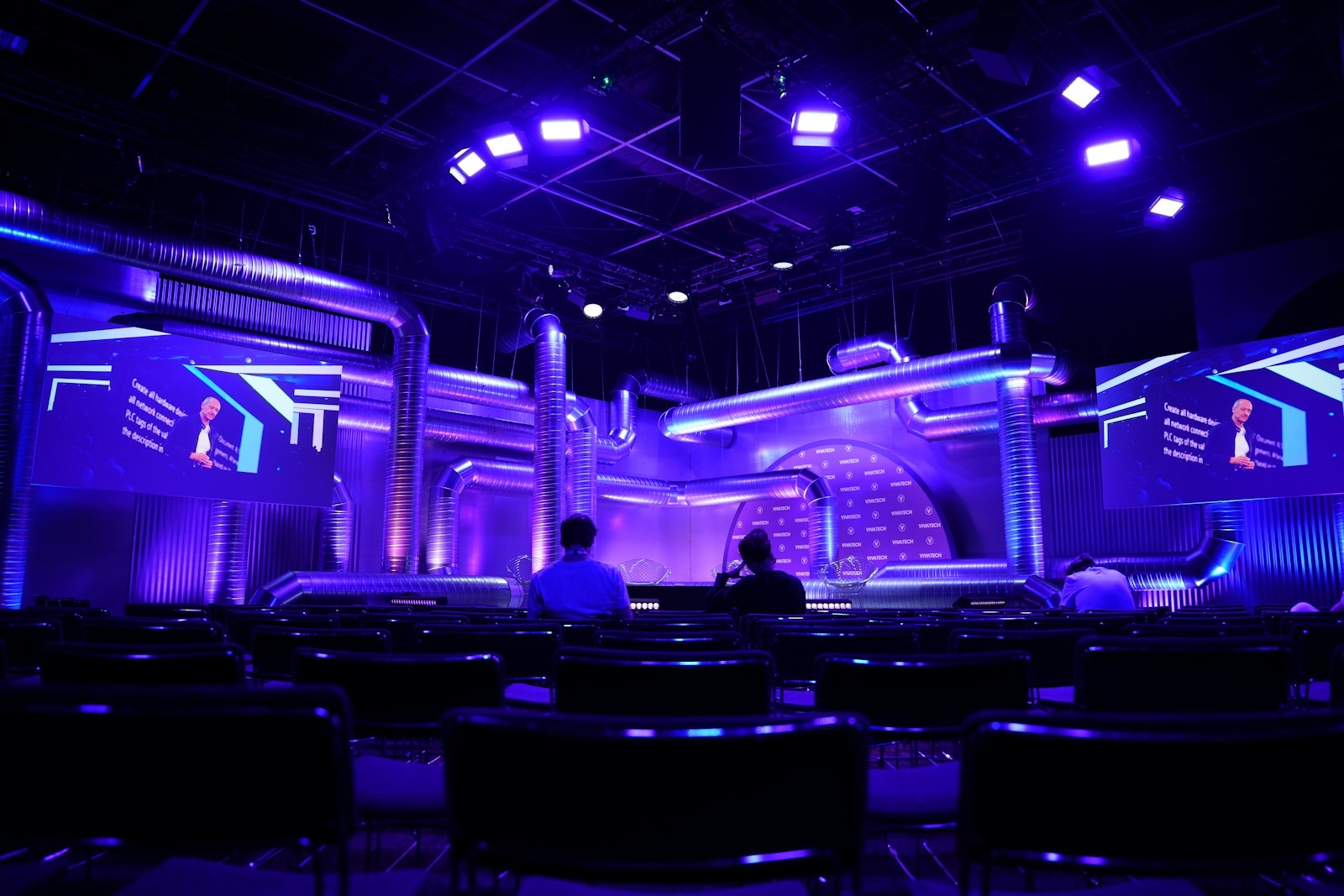 ConferencesEvery room, its own captionsKeynotes and breakouts, each with its own channel, QR code and languages.For events
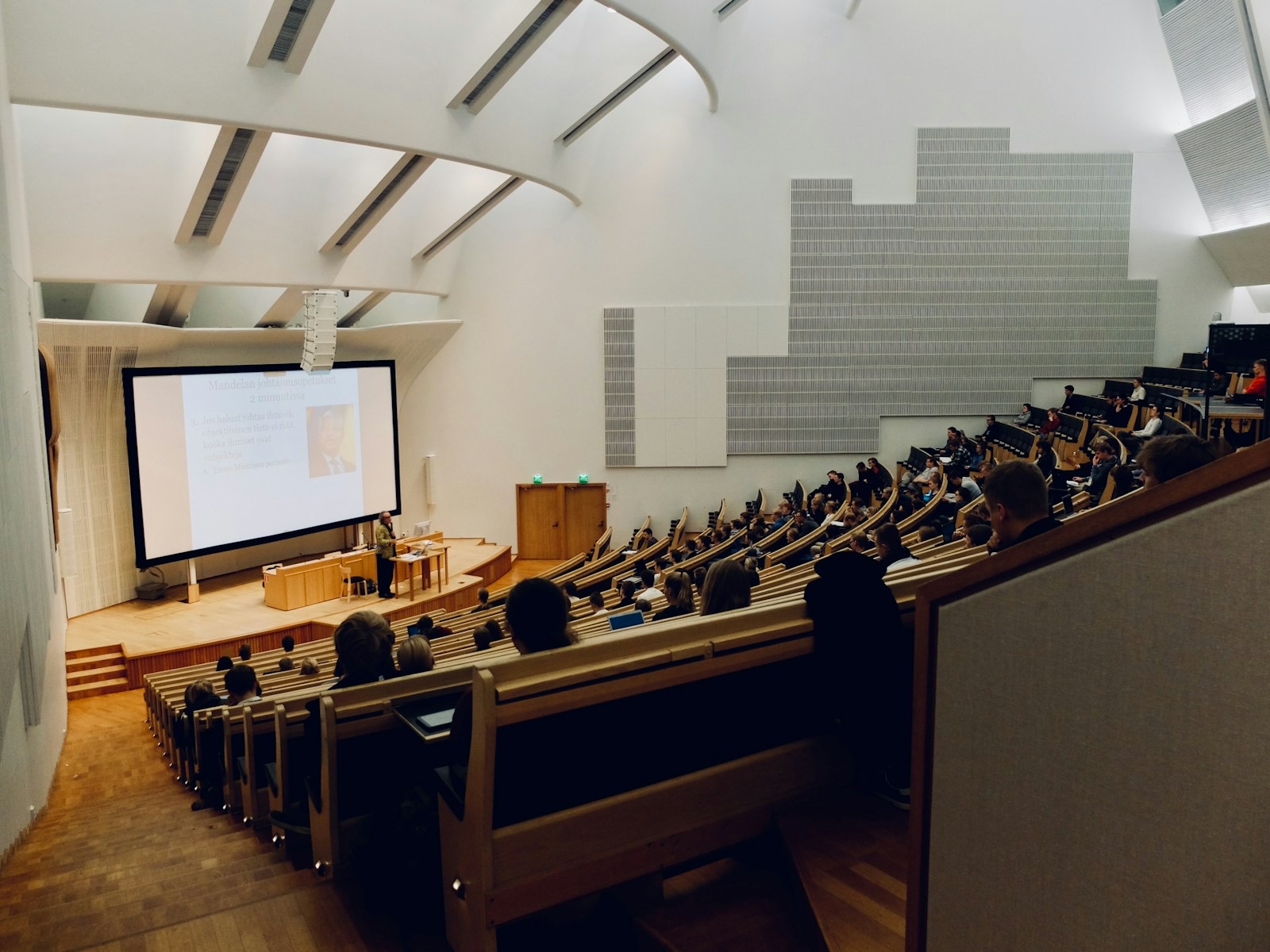 EducationEvery student follows the lectureCaptions in class, then the transcript and highlights to study from afterwards.For education
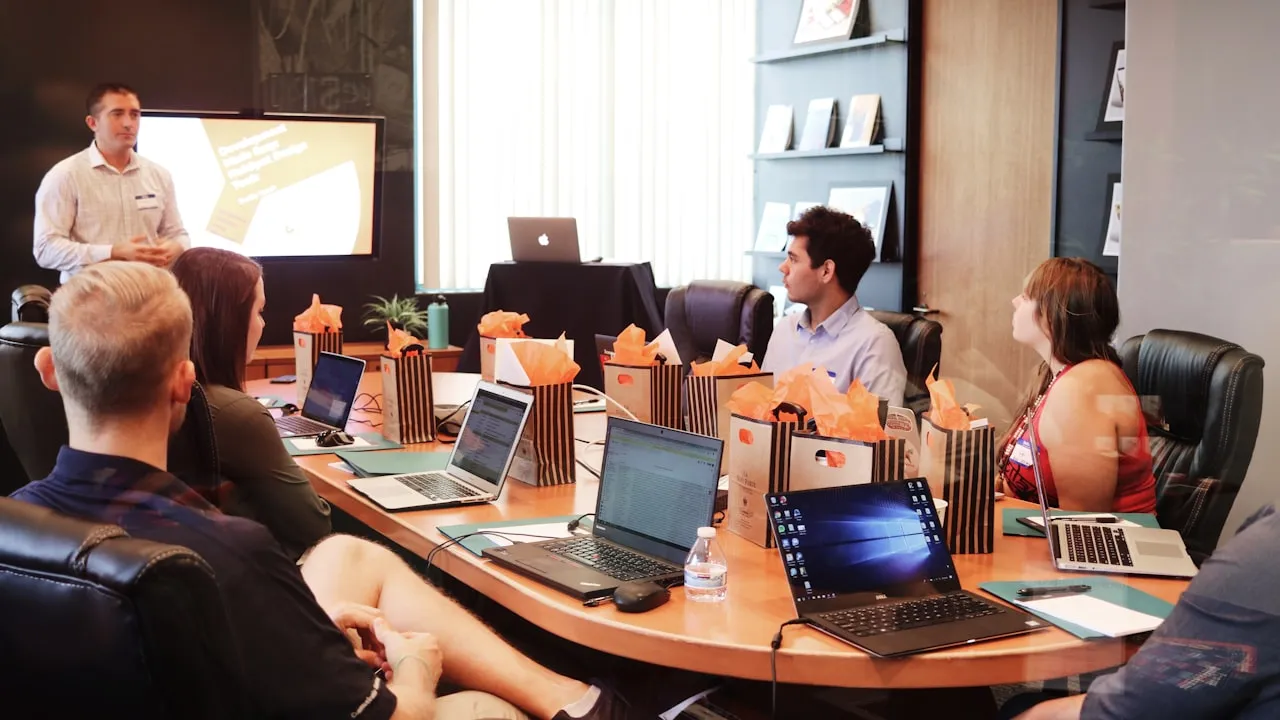 BusinessOne message for every teamTown halls and training, in the room and on the stream, with the same captions.For business
How accurate are live captions?
It depends most on the sound. A clean feed from the sound desk gives the best captions; echo, music under speech and distant microphones make them worse. Add names, places and terms to a glossary so they are spelled your way, and test with your real speaker before the day.
Can guests make the text bigger?
Yes. The guest page has a text-size control, so each person sets the size that suits them without changing anything for anyone else.
Can it caption a panel or Q&A?
Yes, as long as the sound reaches the laptop. Several people can speak in one session. Give the audience microphone the same care as the stage microphones, since a question nobody can hear cannot be captioned.
What is the difference between captions and subtitles?
Captions are the speaker's words as text in the speaker's language, and they include sounds that matter. Subtitles usually mean a translation. InterScribe shows both: the original and, under it, each guest's language.
Does live captioning make us ADA compliant?
No tool makes an organisation compliant by itself. InterScribe helps you provide captions and language access; what your organisation must provide depends on the law that applies to it and on the people who attend, so check with whoever advises you on it.
Can it caption a recorded video?
Not yet: recorded events and videos are coming later in 2026. You will upload a recorded video (MP4 or MOV), bring one in from your own YouTube channel or reuse a past live session, then caption it, translate it and dub it with AI voices in your languages, and publish it to your portal or YouTube. Today InterScribe captions live speech: events, services, lectures and meetings, in the room and online, and afterwards you get the transcript in each language and an SRT file for your own recording.
Caption your next session, for Ruth, for Daniel, for everyone between.
Captions come with every plan. Answer three questions and see your price.
Photos: Tsuyoshi Kozu, Adrianna Geo, Danny Perez and Dom Fou on Unsplash