
Half the room speaks the speaker's language. The other half is guessing.
Real-time translation for live eventsYour speaker, translated in real time on every phone in the room.
Guests scan a QR code, pick their language and read along or listen, while the speaker is still talking. An AI translator for 100+ languages, with room for your own interpreters.
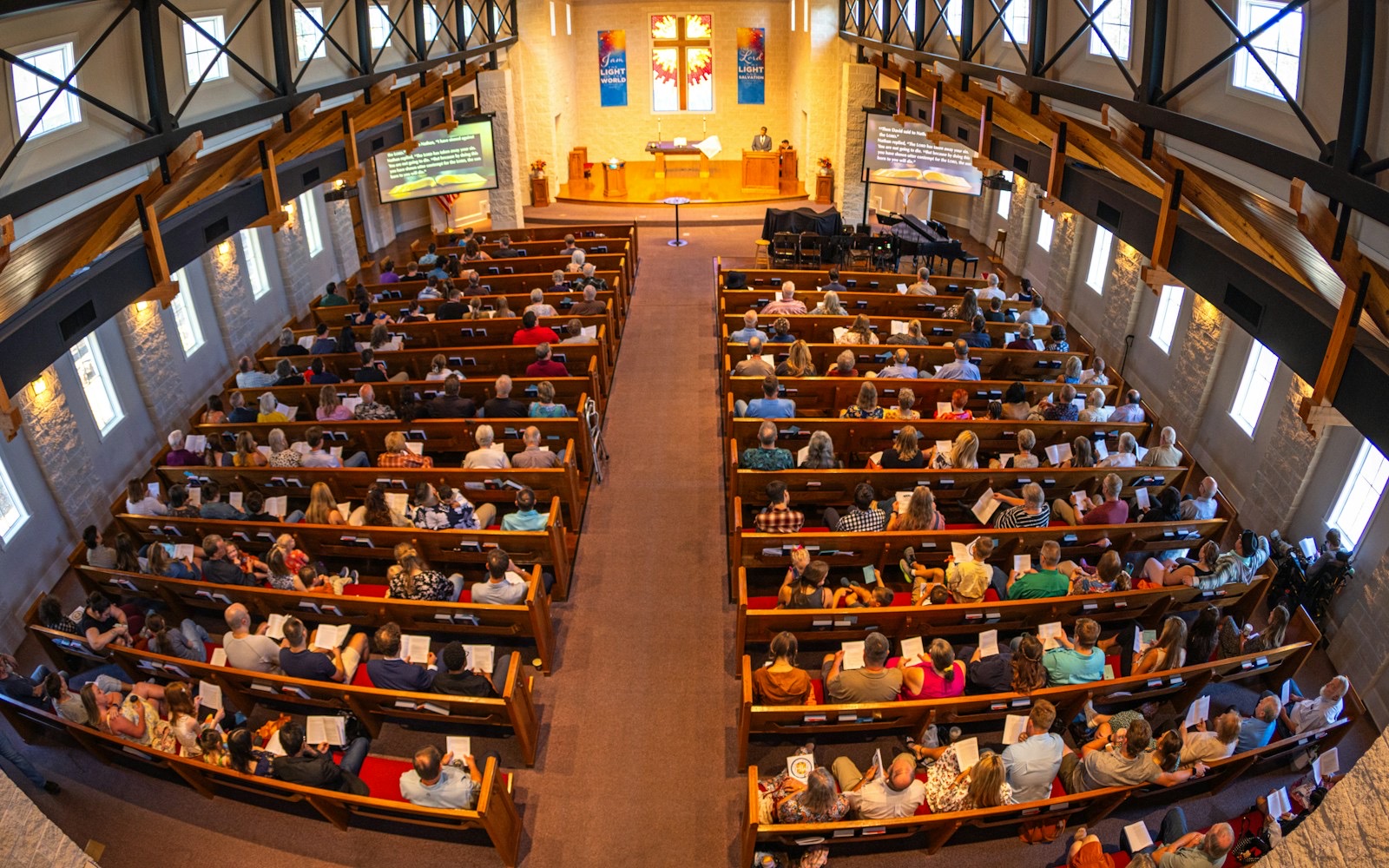
- Church services
- Conferences
- Lectures
- Town halls

On stage, in English
“Good morning, and welcome to day one.”
Picture this
Same room, same speaker. Who is following?
Without translation, many guests nod along and catch a word in five, or someone who loves them interprets into a phone in the hallway. With it, everyone follows on the phone they brought.
In the hallway: her son interprets into a phone call, sentence by sentence.
In his seat: he listens in his language on his own phone, and so does his mother.
For example
Saturday, 2:00, a city town hall. For years Mrs. Okafor's son stood in the corridor, phone to his ear, whispering the mayor's words in their language, a sentence behind. Today the QR code is on the screen before anyone speaks. He sits next to her. She has one earbud in and her language in her ear. When the floor opens for questions, she raises her hand.
Three ways to listen
One QR code. Each guest reads or listens, their way.
You decide what each language gets. Guests see it in the language list and pick.
- Every plan
Read along
Big live captions in 100+ languages, with the speaker's words beneath. Device voice can read them aloud on any phone.
Live captioning - Premium
A natural AI voice
A natural voice speaks the speaker's words in each language, in the guest's earbuds. Captions stay on screen.
AI voice translator  Interpreter · 한국어 · from home, in the browserYour people
Your own interpreters
They work from the InterScribe booth in the browser, at the venue or from home. Guests hear them on their phone.
Interpreters
Every language in the room
Captions, AI voices and interpreters side by side, all from one QR code.
Rooms, channels, QR codes
Every room gets its own channel.
The main hall and the breakout down the corridor each carry their own sound, QR code and languages. A guest who scans in Room B hears Room B.

- How sound reaches each room
- Is sound arriving? At a glance
- Each room owns one channel
A room link per room
On the room's screen, a poster by the door or the badge. It opens whatever is live or next in that room, so you print it once.
Languages per room
An interpreter in the main hall, AI voices in the breakout, captions only in the workshop.
Hybrid, same link
Online guests open the same link and get the same captions and voices as the room.
What you need
Sound in, phones out. That is the kit.
You already own most of it. Nothing to rent, ship or hand out; guests bring the phone and earbuds in their pocket.
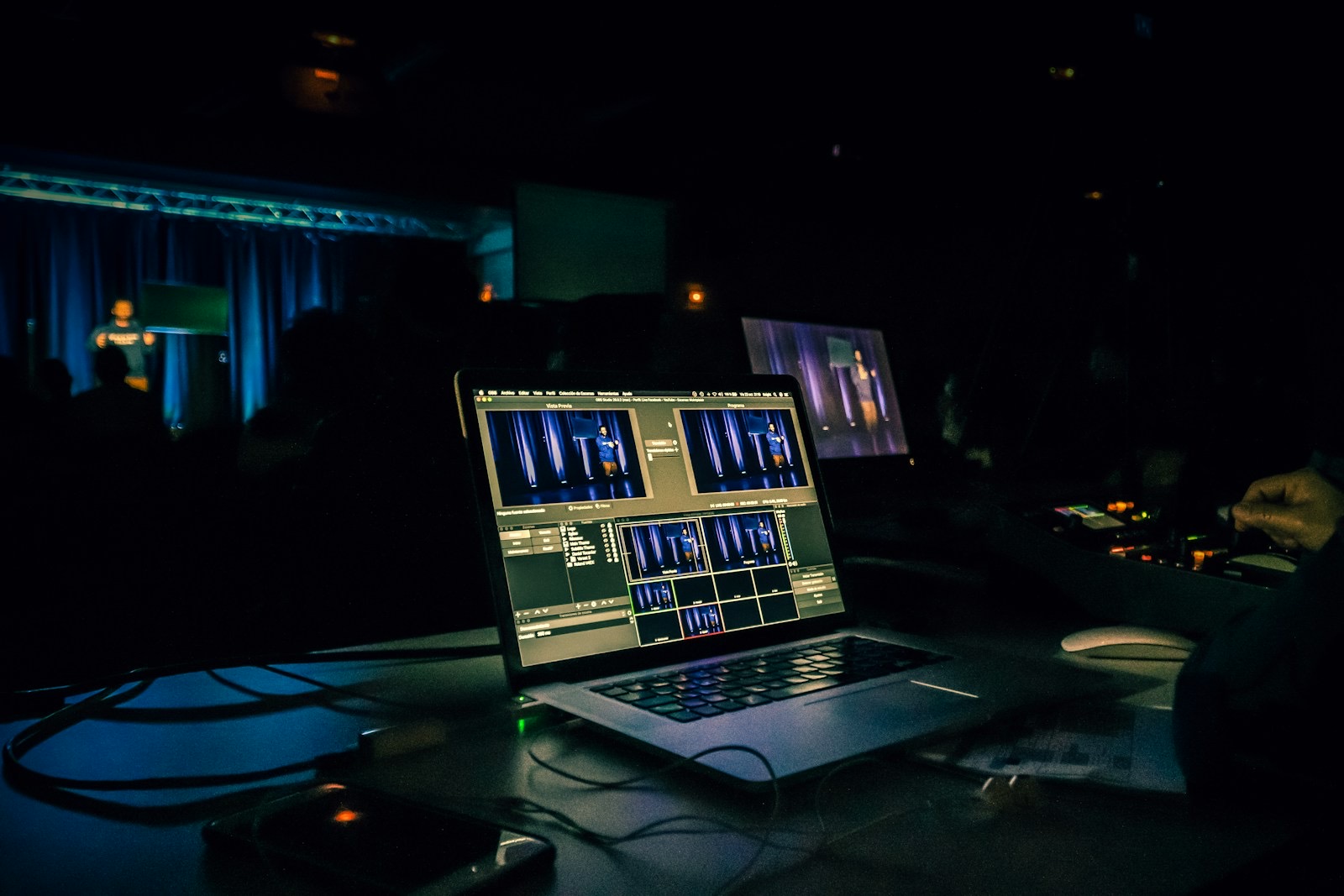
The sound desk, or a mic
The cleaner the sound, the better every caption and voice after it.
A laptop with a browser
Runs InterScribe at the desk. What matters most is a steady upload connection.
A QR code and their phones
On the screen or a poster. Guests open it in the browser on venue Wi-Fi or their own data.
How good is it, honestly
Good enough to follow. Here is what makes it better.
Real-time translation is two steps: speech recognition writes what was said, then each line is translated. AI can still get names, quotations and jokes wrong. Three things decide most of it.
The sound
A direct feed from the desk beats a mic across the room. Echo, music under speech and people talking over each other cost the most.
Your names and terms
Add speakers, places and your own words to a vocabulary before the day, so they are heard and spelled your way.
People where it matters most
An interpreter still handles nuance and humour best. Put yours on the big languages and let AI cover the rest.

- A list of names, per language
- Add one before the day
Coming soonImport your vocabulary: bring a glossary from a file or from the tool you use today.
For example, words worth adding
- Dr. Adaeze Nwosu
- Riverside Hall
- Kinshasa
- Thrive Groups
- onboarding sprint
The fastest way to judge it: listen to your language yourself.Try the demo
Questions organisers ask us
Tell us about your room, your speakers and your languages.
Talk to a personHow does real-time translation work?
InterScribe listens to the speaker, writes what they say, translates each line into the languages your guests pick, and sends it to their phones as captions, an AI voice or your interpreter's voice.
Is there an AI translator app guests need to download?
No. Guests scan a QR code or open a link and the session opens in their phone's browser. There is no app to install and no account to make.
Is AI translation as good as a human interpreter?
Not in every case. AI is good enough to follow a talk and can get names, quotations and jokes wrong. An interpreter handles nuance and humour best, so put interpreters on the languages that matter most and let AI cover the rest.
Which languages can guests choose?
Captions are available in 100+ languages on every plan. An AI voice and interpreter channels are chosen language by language, and guests see which one each language gets before they pick.
Can several people speak, like a panel?
Yes. Several people can speak in one session as long as their sound reaches the laptop. The clearer each voice is, the better the translation.
Does it work for online or hybrid events?
Yes. Online guests open the same link as the room and get the same captions and voices.
Can it translate a recorded video?
Not yet: recorded events and videos are coming later in 2026. You will upload a recorded video (MP4 or MOV), bring one in from your own YouTube channel or reuse a past live session, then translate it, caption it and dub it with AI voices in your languages, and publish it to your portal or YouTube. Today InterScribe translates live speech: events, services, lectures and meetings, and afterwards you get the transcript in each language and an SRT file.
Nobody waits in the hallway at your next event.
Pick your rooms, hours and voices, and see the price in a minute.
Photos: Sergio Martins, Christina @ wocintechchat.com, Benito Sanity, Jametlene Reskp and Tsuyoshi Kozu on Unsplash