
For conferences & events
Your whole audience, in every language they speak.
The keynote, three breakout rooms and the closing panel, captioned and voiced in the languages your attendees bring. They scan the code on their badge; you get a price in minutes, not after a week of emails.
- No app for attendees
- Every room, one account
- Your own interpreters welcome
A real event day
Event day, start to finish.
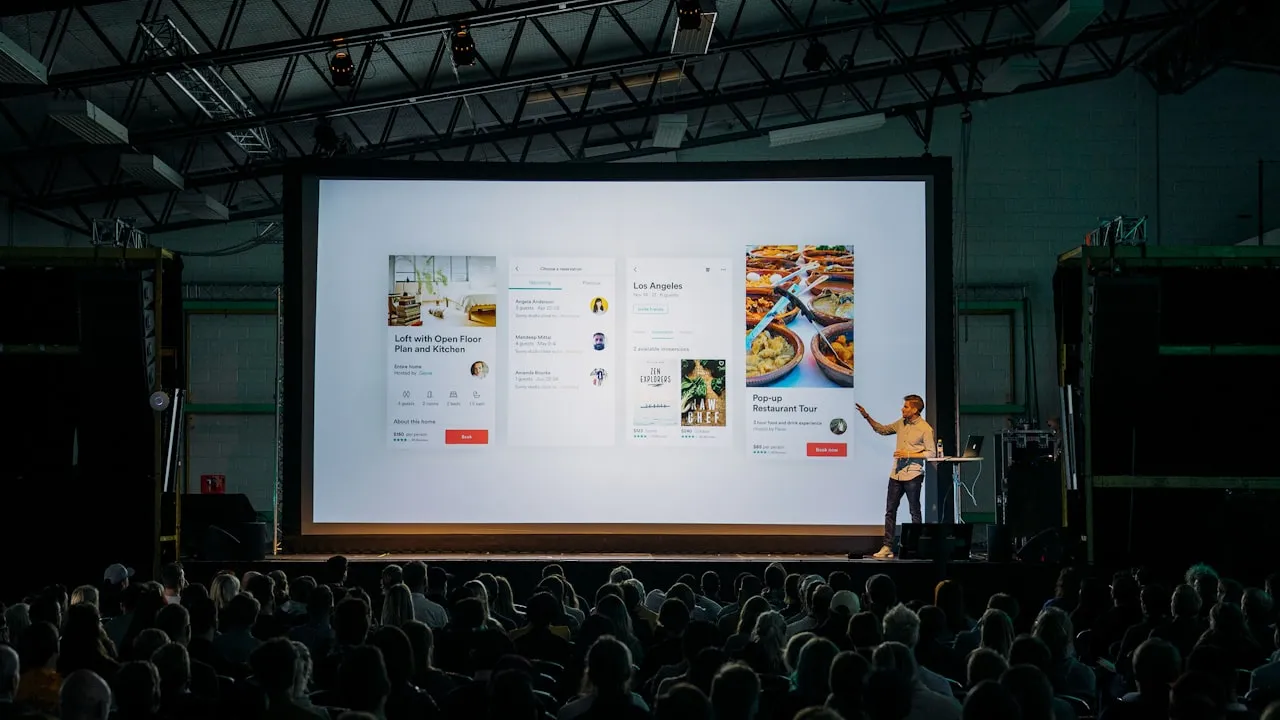
What happens at a one-day conference with a keynote, three breakout rooms and a closing panel, from the sound checks to the transcripts.
Before
Sound check, all rooms
The venue AV team checks each room’s channel from the desktop streamer. Interpreters join the booth.
As people arrive
The QR everywhere
Every badge carries the QR, and each room’s screen shows it. A poster at the desk says it in six languages.
As people arrive
One announcement
The host says once that translation is available. Attendees scan when they like; online attendees open the same link from the stream page.
During
Every room, its own languages
Hall A, Room B and Room C run at once, each with its own QR. Attendees read or listen in their language and scroll back.
During
More than captions
Chat, Q&A and polls, notes and highlights, and the resources your team shares. Ask AI on plans that include it. Each is switched on per event.
After
Every session ends on its own
Each room stops at its scheduled end time. Every room, every language, ready to download for sponsors and speakers.
After it ends
The transcript in every language, ready to download, on every plan. An AI summary of the session from Launch up.
The quote you already have
Put it next to this one.
Most event managers come to us holding a quote for human interpreting: two languages, booths, headsets, technicians. Keep the interpreters you love. Pay per hour for the rest, with every language as captions included.
Three budgets, before tax
priced by our quote engineHuman interpreting quote
Usually priced per interpreter per day, for each language, plus booths, headsets and a technician. Put its total next to these.
1 day · 1 room · 6 hours · up to 250 people
- 6 room-hours × $39 · captions in every language
- −5% pay once discount · 5 hours or more
1 day · 1 room · 6 hours · up to 250 people · AI voice in 2 languages
- 6 room-hours × $39 · captions in every language
- 12 AI voice hours × $18 · 2 languages × 6 hours
- −5% pay once discount · 5 hours or more
2 days · 3 rooms · 7 hours · up to 1,000 people · AI voice in 3 languages
- 42 room-hours × $49 · captions in every language
- 126 AI voice hours × $18 · 3 languages × 42 hours
- −20% pay once discount · 25 hours or more
- Your own interpreters can still work any room; they use no AI voice hours.
- No headsets to hand out, count and collect.
- One-time event hours stay usable for 12 months.
Rooms, venue, attendees
Every room gets its own channel. Every attendee knows what to do.
Each room carries its own sound, its own QR and its own languages.
- CH-01 · Hall ALive
Keynote & plenary
- PortuguêsInterpreter
- EspañolAI voice
- FrançaisAI voice
- Every other languageCaptions
- CH-02 · Room BLive
Breakout · policy track
- EspañolAI voice
- PortuguêsAI voice
- Every other languageCaptions
- CH-03 · Room CStarts 11:00
Workshop · hands-on
- Every languageCaptions only
Small room, quiet work: captions on phones, no voice. Turn a voice on for one language later if someone asks.
Venue Wi-Fi and phones
Attendees listen on the venue Wi-Fi or their own mobile data. A steady upload connection at the sound desk matters most; for a big hall, check with the venue’s network team before the day.
Attendee instructions, done
The QR goes on badges, holding slides, room signage and the event app. One line for the MC: “Scan the code on your badge and choose your language.”
Hybrid, same captions
Online attendees open the link next to your stream. The room and the stream follow the same captions, so nobody watches a different event.
People and AI, side by side
Bring your interpreters. AI covers the languages you couldn’t staff.
You decide, room by room and language by language, who carries the speaker. Attendees see it plainly in the list: Interpreter, AI voice or Device voice.
- Interpreter
Your own interpreters
Volunteers or professionals interpret from the InterScribe booth, in the room or from home. Guests choose them like any other language, and they use no AI voice hours.
On Engage and up, or $29 per seat per event day as an add-on when you pay once.
How the booth works - AI voice
A natural voice in each language
Turn on a voice for each language you couldn’t staff. Voice hours count only while someone is listening.
Included from Launch; add hours any time.
- Device voice
Read along, or let the phone read
Every language as captions, 100+ of them, always included. Any phone can read the captions aloud in its own voice.
Every plan.
Your price, now
Days, rooms, hours and voices. One price.
Change them as the programme moves; the price follows. Save it or send it to finance when you’re ready.
Over 1,000 attendees, an RFP, or interpreters you’d like us to find? Talk to a person
Example
1 day · 3 rooms · 7 hours · up to 1,000 attendees · AI voice in Spanish, Portuguese and French
- 21 event hours × $49
- $1,029
- 63 AI voice hours × $18
- $1,134
- 10% off for 21 hours or more
- -$216.30
- Total, before tax
- $1,946.70
Captions in every language included.
What event teams ask us
Talk to a personCan we run several rooms at the same time?
Yes. Each room has its own channel, its own QR and its own languages, and attendees scan the code for the room they are in.
Do attendees need the venue Wi-Fi?
No. Mobile data works too. What matters most is a steady upload connection where the sound is sent from.
Can we keep our own interpreters?
Yes. They work from the InterScribe booth, on site or remotely, and attendees choose them like any other language. AI voice covers the languages you couldn’t staff.
How do attendees find it?
Print the QR on badges and signage, put it on the holding slide, and add one line to the MC script.
Will it get speakers’ names and acronyms right?
Add names, acronyms and product terms to your vocabulary before the day, and they are listened for from then on.
What about online attendees?
They open the link next to your stream, pick a language and follow the same captions as the room.
What if the event moves?
A one-time event’s hours can be used any time within 12 months, including for another event.
Hear what your attendees will hear.
Then price your event in a minute and send it to finance as it is.