
For education & accessibility
Live captions for every class, and the language each student understands.
Lectures, seminars and campus events, captioned live on the phone or laptop each student already has, in English or in 100+ other languages. A transcript is ready when class ends.
- No app, no student accounts
- Transcripts on every plan
- Your own interpreters welcome
A real teaching morning
One lecture, start to finish.
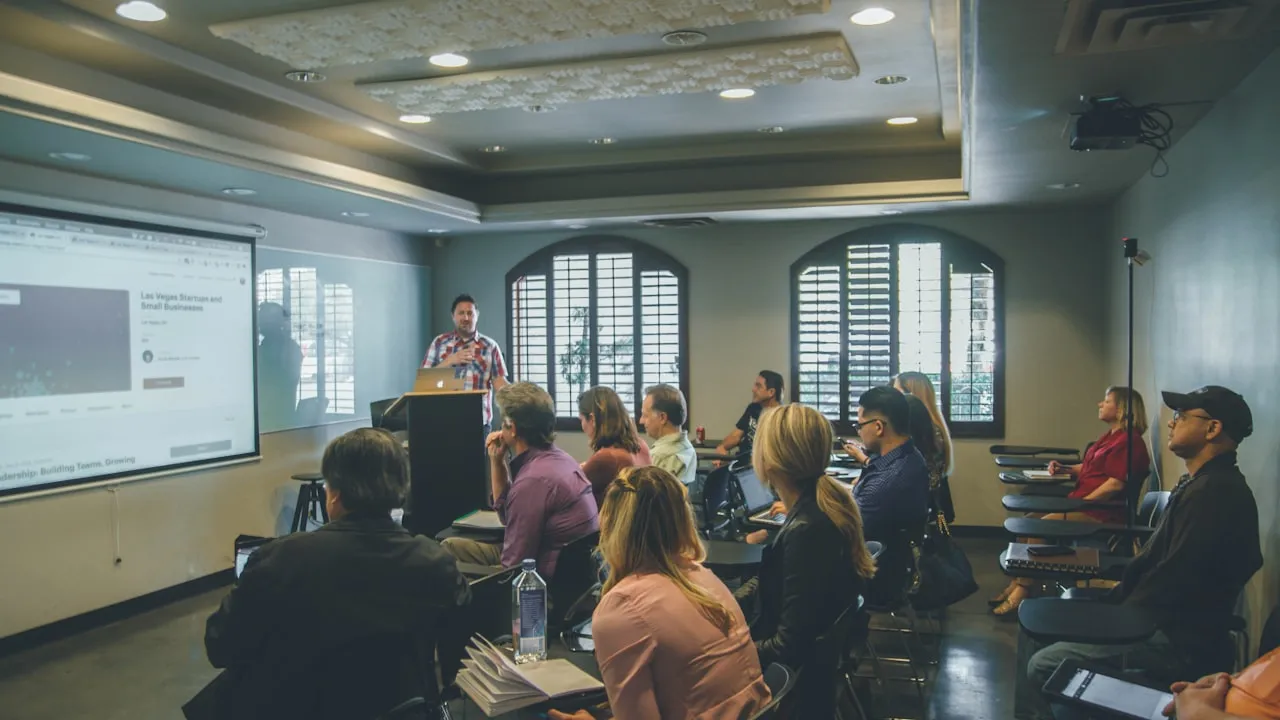
What happens in a lecture hall with a hundred students, a few of them online, from setup to the transcript in the accessibility office.
Before
Setup
The lectern mix goes into the desktop streamer, and you check the audio is arriving.
As students arrive
The QR on the first slide
The first slide shows the QR code. A poster by the door can carry it too.
As students arrive
One announcement
Tell the class once that captions and translation are available. Students scan whenever they like; students at home open the same link next to the lecture stream.
During
Read, listen, scroll back
The transcript builds as the professor speaks, and students scroll back to anything they missed. Names and terms added once are listened for in every lecture.
During
Tools to study with
Notes and highlights, and the resources your team shares. Ask AI answers questions about the lecture on plans that include it.
After
The lecture ends on its own
The session stops at its scheduled end time. The accessibility office has every word, in every language, ready to download.
After it ends
The transcript in every language, ready to download, on every plan. An AI summary of the session from Launch up.
ADA Title II
April 26, 2027 is on a lot of walls.
The US Department of Justice’s ADA Title II rule asks state and local governments, public colleges and universities included, to make their web content and mobile apps meet WCAG 2.1 AA.
April 26, 2027
State and local governments (and their colleges and schools) with a population of 50,000 or more
April 26, 2028
State and local governments (and their colleges and schools) with a population under 50,000, and special district governments
- What the standard asks for live media
- WCAG 2.1 AA includes captions for live audio in synchronized media (success criterion 1.2.4).
- What InterScribe covers
- Live captions for lectures and events, in the room and online, and a transcript after. It does not make the rest of your website or course material conform.
This is a summary, not legal advice. Your counsel decides what applies to your institution.
Three people need this to work. Here is what each one gets.
Accessibility coordinator
Captions that hold up
“April 26, 2027 is on my wall.”
- Live captions in the room and on the stream.
- A transcript of every session, ready to download.
- Students choose their own text size.
- Course names and terms listened for, every lecture.
Campus AV
Nothing new to learn
- Sound desk
- Desktop streamer
- Phones
- Any line out from the lectern mix, through the desktop streamer.
- Students use campus Wi-Fi or their own mobile data.
- Each lecture hall can run as its own room.
- A steady upload connection matters more than fast Wi-Fi.
International student
Lectures in the language they think in
- Captions in English or in their own language, 100+ included.
- Scroll back to anything they missed.
- No app and no account: scan and read.
- Any phone can read the captions aloud.
Course vocabulary
The hard words, right every lecture.
Add course codes, technical terms and the names of your faculty once. InterScribe listens for them and writes them the way your department does.
| Term | What InterScribe does |
|---|---|
| CRISPR-Cas9 | Listens for it |
| Dr. Nwachukwu | Listens for it |
| BIOL 110 | Writes “biol one ten” as this |
| mitochondrial DNA | Writes “mito DNA” as this |
Every plan. Add terms once; they apply to every session after.
Read, listen or bring interpreters
Captions for everyone. A voice or an interpreter when it helps.
Captions are always on and always included. Add an AI voice for the languages your students ask for, or bring your own interpreters for the languages you staff.
- Interpreter
Your own interpreters
Volunteers or professionals interpret from the InterScribe booth, in the room or from home. Guests choose them like any other language, and they use no AI voice hours.
On Engage and up, or $29 per seat per event day as an add-on when you pay once.
How the booth works - AI voice
A natural voice in each language
Turn on a voice for each language you couldn’t staff. Voice hours count only while someone is listening.
Included from Launch; add hours any time.
- Device voice
Read along, or let the phone read
Every language as captions, 100+ of them, always included. Any phone can read the captions aloud in its own voice.
Every plan.
Your price
One plan for a department, or for the whole campus.
Captions in every language included, in every room you run. See your exact price in a minute, and send it to procurement as it is.
- Engage, billed monthly
- $499/month
- 25 event hours a month
- about $19.96
What accessibility teams ask us
Talk to a personDo your captions meet WCAG 2.1 AA?
WCAG 2.1 AA asks for captions on live audio. InterScribe gives you live captions and a transcript; whether a course or event conforms also depends on the page, player and materials around it.
Can students follow on a laptop?
Yes. The captions open in any browser, on a phone, tablet or laptop, and students set their own text size.
Does it work for online and hybrid classes?
Yes. Students at home open the same link next to the lecture stream and see the same captions as the room.
Do we get transcripts?
Yes, on every plan. Every session’s transcript is ready to download in every language once it ends.
Do students need accounts?
No. They scan the QR or open the link. Nothing to install and no student data to collect.
Can we use our own interpreters?
Yes. Your interpreters join from a browser booth, on site or from home, and the audience hears them live like any other language. AI voice can cover the other languages at the same time.
Hear what your students will hear.
Then see your price and share it with procurement and your accessibility committee.