
Your interpreters are ready. The booths and receivers are the hard part.
Simultaneous interpretationSimultaneous interpretation, straight to every phone.
Your interpreters work from the InterScribe booth in a browser, in the back room or at home. Guests hear them on their own phone and earbuds. For the languages you can't staff, an AI voice and captions fill in.
- Your interpreters
- AI voice
- Captions in 100+ languages

In the booth, from home
Hearing the floor in English, speaking Korean.
What changes
Keep the interpreters. Lose the kit around them.
Simultaneous interpretation still needs people. It no longer needs a room built around them.
- Booths built and soundproofed before the doors open.
- Receivers handed out, charged, counted back in.
- Only the languages you could staff. Everyone else guesses.
- A booth in the browser, at the venue or at home.
- A QR code. Guests use their own phone and earbuds.
- AI voice or captions for every language without an interpreter.
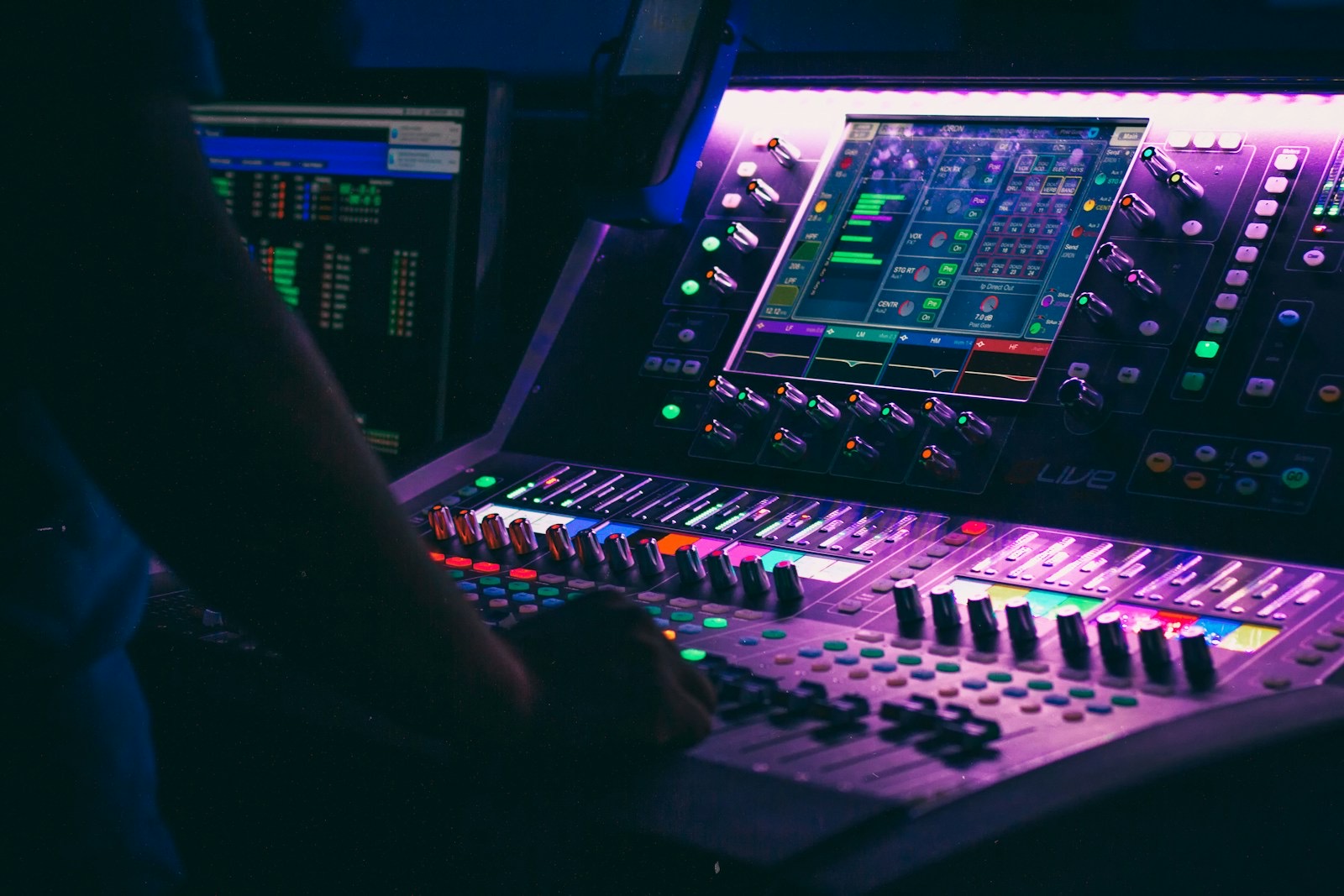
Floor · English
from your sound desk
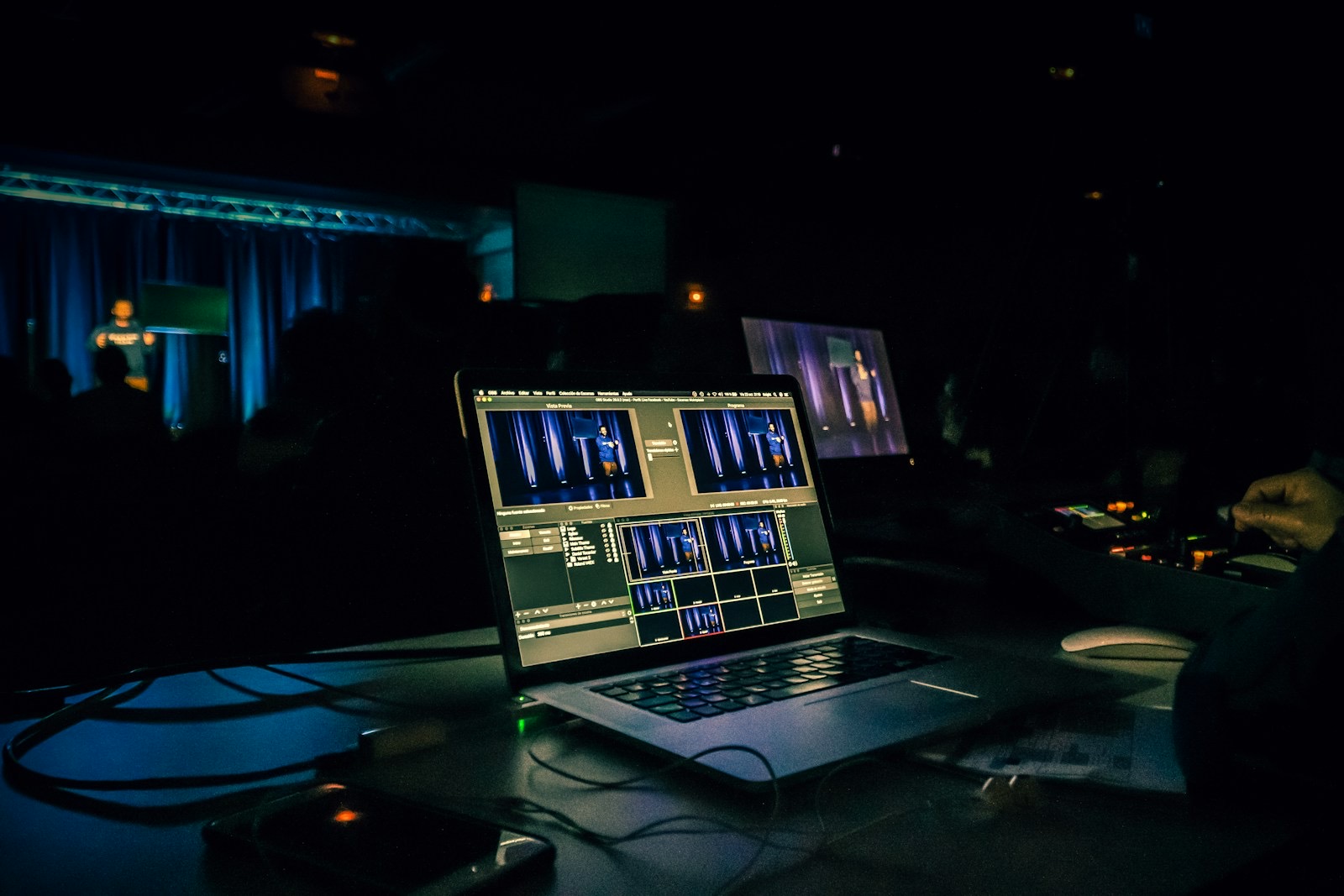
No booth to build
a laptop at the desk
Picture this
A conference day, with Ji-woo interpreting from home.
Names and times are illustrative.
For example
The week before
You choose who carries each language
Korean and Spanish get interpreters, invited by email. Portuguese gets an AI voice. Everything else has captions.
8:30 · at her kitchen table
Ji-woo opens the booth
In her browser, with her headset. She checks her network, picks Plenary 3, her language and her sound.
9:00 · doors open
A delegation from Busan scans the QR code
They choose 한국어, tagged Interpreter, and put in their earbuds. They hear Ji-woo. Online viewers open the same link.
10:10 · handover
Her partner takes the channel
He asks for it, she hands over. She keeps it until he has it, so the channel is never left silent.
After
The words, in every language
Download the transcript in each language, an SRT file and an AI summary.

- Check the network first
- Sessions she is booked for come first
- Then language, then sound
People and AI, side by side
Choose per language. Listeners see which one they get.
Put people on the languages that matter most. Cover the rest, so nobody in the room is left out.
- Interpreter
Your own interpreters
Volunteers or professionals, from the room or from home. Their voice reaches every phone on their language.
- AI voice
A natural voice per language
For the languages you couldn't staff. A premium option, chosen language by language.
AI voice translator - Captions
Read along, in 100+ languages
Always included. Any phone can also read them aloud in its own device voice.
Sign language interpreters
A signer beside the captions, on every screen.
A human interpreter signs from their own camera. Deaf and hard-of-hearing guests tap Sign, choose a sign language and see the interpreter in a window next to the captions.
- Add the interpreter's sign language to the session.
- They open the camera booth and go on air.
- Guests tap Sign. On a phone it never covers the newest caption.
BetaSign language channels are in beta and come with selected plans. Talk to a personto switch them on.

For agencies and interpreter teams
Your interpreters, every client, one booth.
An interpreter who works for several organisations sees “Which booth?” when they sign in, and picks the client they are working for now. Nothing to install between jobs. If you place interpreters at events and want to bring InterScribe to your clients, let's work together.
The card shows the real “Which booth?” step; workspace names are examples.
What is simultaneous interpretation?
An interpreter speaks the talk in another language while the speaker is still talking, rather than after each sentence. InterScribe carries the interpreter's voice to listeners' phones, so you don't need booths or receivers.
Do we still need interpreters?
For the languages where you want a person, yes. The self-serve plans do not supply interpreters: you invite your own, volunteers or professionals, and if you need help finding them you can talk to a person. Where you have none, an AI voice and captions cover the language.
Can our interpreters work from home?
Yes. They work from the interpreter booth in a browser, at the venue or from home. They check their network first, then pick their session, language and sound.
Do listeners need receivers or an app?
No. Listeners scan the QR code and open the session in their phone's browser, then use the earbuds they already have.
Can we mix interpreters and AI voice in one session?
Yes, language by language: an interpreter on one, an AI voice on another and captions on the rest. Listeners see which one each language gets before they pick.
How many interpreters does each plan include?
Interpreter seats per room by plan: Engage: 3, Elevate: 5. When you pay once, each interpreter seat is $29 per event day. Where a plan allows it you can add seats. Plans without seats still get captions and AI voice.
Does it work with several rooms?
Yes. Each room has its own channel, QR code and languages, so an interpreter can carry Korean in the main hall while another room runs on AI voice and captions.
Your interpreters, every guest's phone.
Price your rooms, hours and languages. Then invite your interpreters to the booth.
Photos: Christina @ wocintechchat.com, Denisse Leon, Jametlene Reskp and Windows on Unsplash