
Use cases
Someone speaks. Every person in the room understands.
A pastor on Sunday, a keynote in a ballroom, a lecture on Tuesday, a trainer on onboarding day. Each listener scans one QR code and follows live in their own language, on the phone in their pocket. Pick the room that looks like yours.
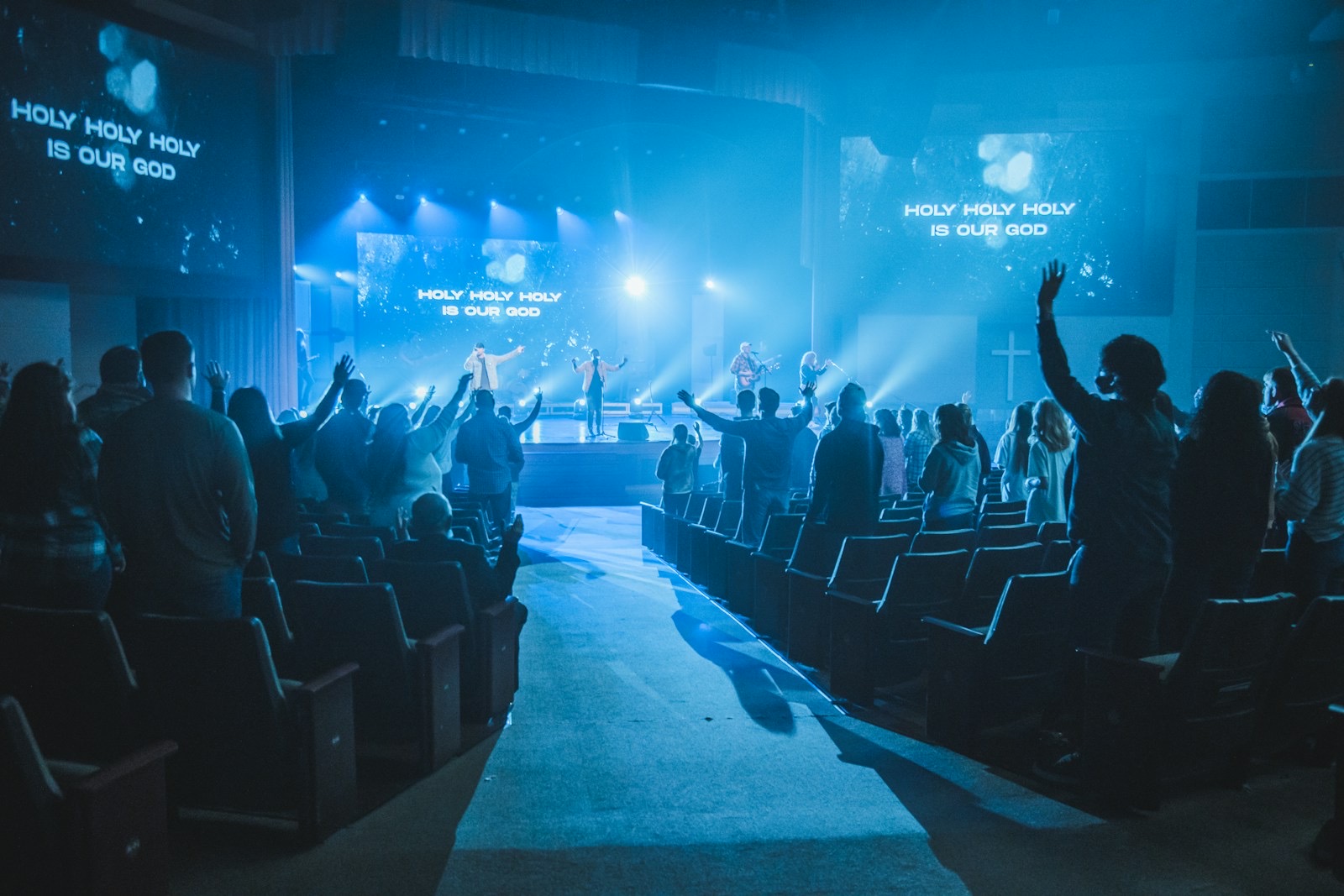
Churches
Preach to every nation in real time.
The sermon reaches the visitor who arrived last week, in the language they pray in.
For churches and ministries
Conferences and events
The keynote, every breakout, every language.
Each room gets its own channel. Your portal's QR is printed on the badge before doors open.
For conferences and events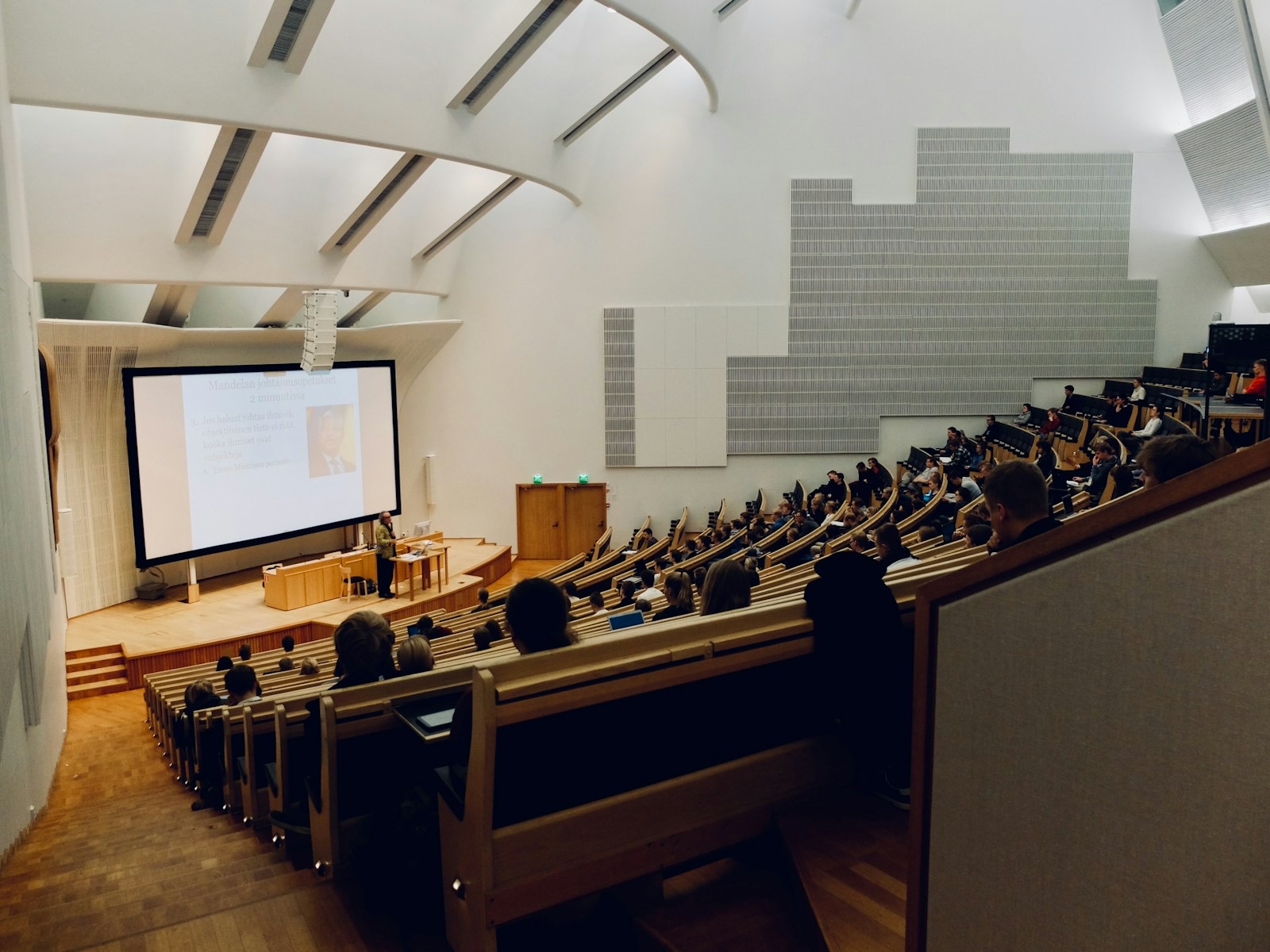
Education
Follow the lecture. Keep the transcript.
A student reads in her language now and studies from the transcript tonight.
For universities and schools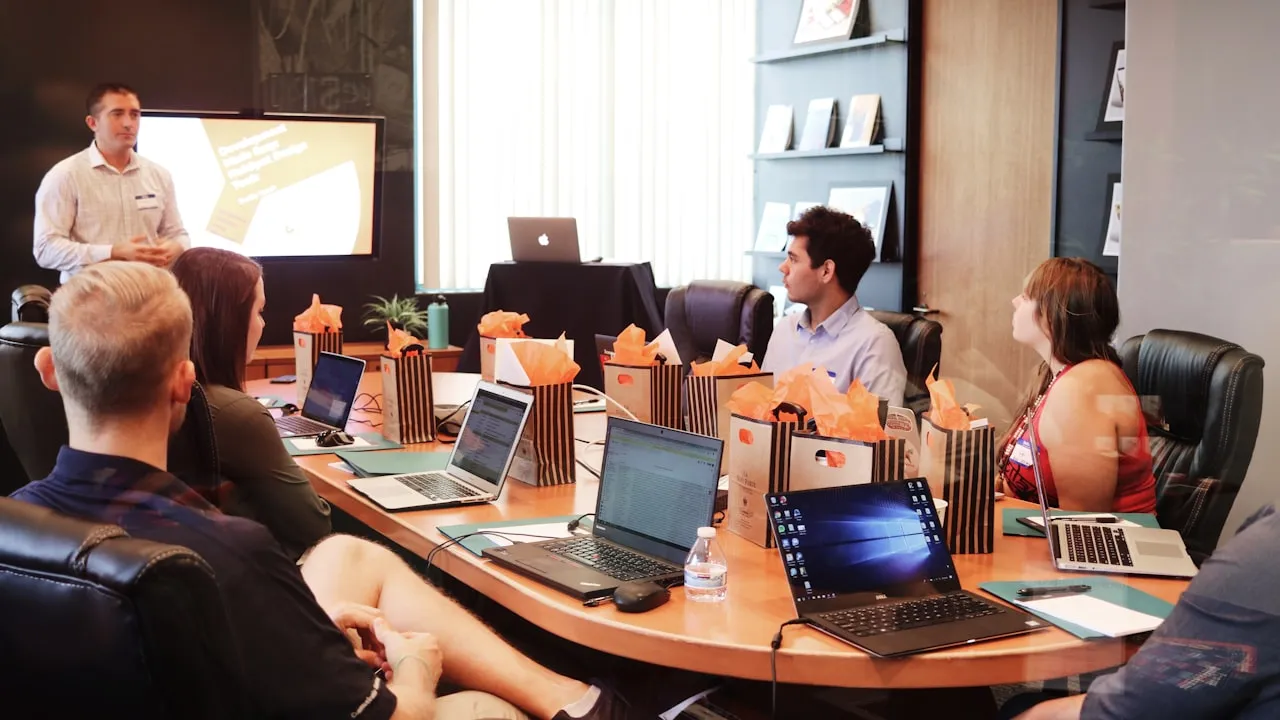
Business and town halls
One town hall. Every site understands it.
The CEO speaks once, in the room and on the stream, and questions come back in any language.
For business and town halls
Picture this
One day. Four rooms. Nobody left guessing.
A single Sunday-to-Monday on InterScribe. Different rooms, the same three taps: scan, pick a language, read or listen.
For example
Sun 10:40
A family from Angola sits in row nine.
The QR is on the welcome slide. Their son taps Português and hands the phone to his grandmother, who listens with the AI voice.
Sun 15:00
Hall A opens for a regional conference.
Two interpreters work from the browser booth for Korean and Spanish. Captions cover the other languages people pick.
Mon 09:00
A first-year student reads the lecture in Arabic.
The course terms are in the vocabulary list, so they are spelled right. Tonight she downloads the transcript to study.
Mon 14:00
The night shift asks a question in Polish.
The town hall is on the stream. The question shows up translated for the person answering on stage.
How it works, in any room
The same three steps, from a church to a boardroom.
Plug in where the sound already is
A laptop takes a feed from your sound desk or the room mic. Each room gets its own channel and room link.
Listeners scan and choose
No app. Captions in 100+ languages, an AI voice, or your own interpreter, in the phone's browser.
Afterwards, it is all written down
A transcript in every language, SRT included, and an AI summary for whoever missed it.
Share your portal or the room link, not a single event.
Choose Your portal in the Share panel: it shows what is live and everything coming up, so you print its QR once for a slide, a poster or the order of service, and send its link to people joining online. A weekly series keeps the same QR for every date.
People who type rather than scan use the short event code.

- The QR to print once, from Your portal, for your slide or poster
- Your portal link for people online
- An event code for people who type
Real scenarios
One setup each, start to finish.
The audio path, the run of show, what to watch for and what it costs.
Churches
A bilingual church service
One service, two languages from the stage, every guest following in theirs, with names and Scripture spelled your way.
Read the scenarioEvents
Medical conferences
Every keynote and breakout in each delegate's language, with drug names and trial acronyms spelled the way your programme spells them.
Read the scenarioBusiness
Town halls
A leader speaks once; the room and the stream follow in their own languages, from the phone they already carry.
Read the scenario

For churches
Your doors are open to everyone. Is your message?
You never know who will walk through your doors this Sunday. These pages go further: the setup, the readiness, and why it matters to a church sent to the nations.
I was a stranger, and ye took me in.
Guides
Going deeper on one kind of session.
Corporate training
Onboarding and training across sites and languages, in the room and online.
Open the guideLanguage access
Council meetings, classes and public services, and the laws people ask about.
Open the guideYour interpreters
How they work from the browser booth, at the venue or from home.
Open the guideChat, Q&A and polls
Asked in one language, read in another, on the same page as the captions.
Open the guide
Questions people ask us first
Talk to a personMy room isn't listed. Will it work?
If someone speaks live and the audience has a phone or a laptop, yes. Send us the room and the audio you have, and we'll say how we'd set it up.
Do listeners need an app or an account?
No. Your audience opens the session's link or scans its QR code with the phone camera, and reads and listens in the browser. They install nothing and need no account to read captions or listen. The InterScribe app is there for people who prefer it. A free listener account keeps what they save and lets them take part. A session that requires a partnership pass asks people to sign in.
Can we use our own interpreters for some languages?
Yes. Your interpreters work from a browser booth, at the venue or from home, and captions or the AI voice cover the languages nobody is booked for.
Can you translate a recording after the event?
InterScribe translates live sessions. It does not translate recorded files. Every live session does leave a transcript in each language that was used.
Your room, in every language in it.
Price it from your hours, rooms and languages, or talk to a person.
Photos: Danny Perez, Dom Fou, Terren Hurst and Michael Wave on Unsplash