
The training teaches managers how to respond to an accommodation request. Then an employee cannot access the exercise, and the facilitator says the recording will be available later.
The course may explain policy correctly while its delivery prevents someone from practicing the skill being taught. Fixing that gap requires coordination between the content owner, the people responsible for access arrangements, and the team running the session.
This guide is about delivering corporate training accessibly. It is not an ADA curriculum, a legal opinion, or a claim that a particular captioning product makes an employer compliant. Have the responsible employment and accessibility specialists determine the applicable requirements and review the training's legal content.
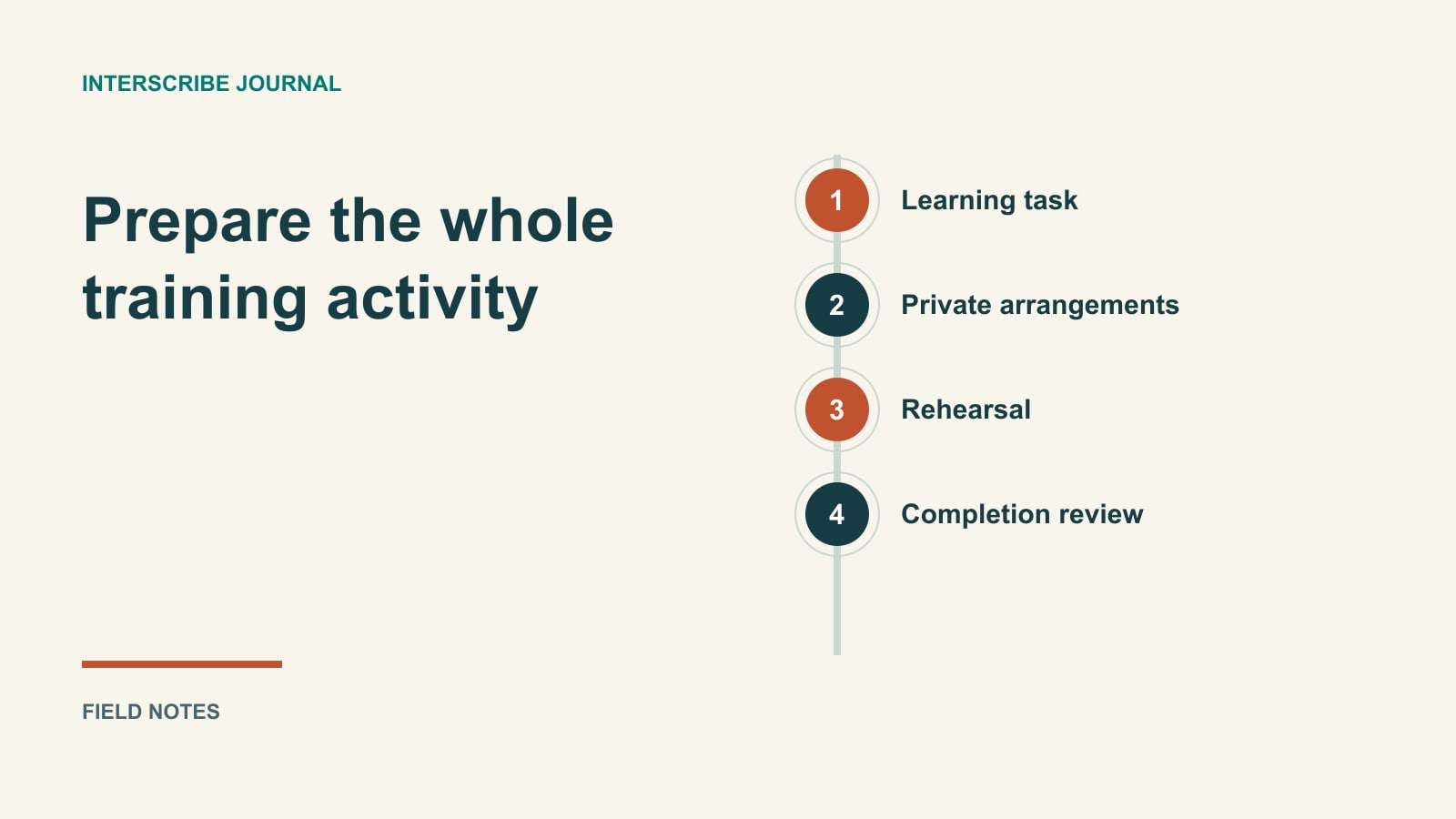
Start with the learning activity
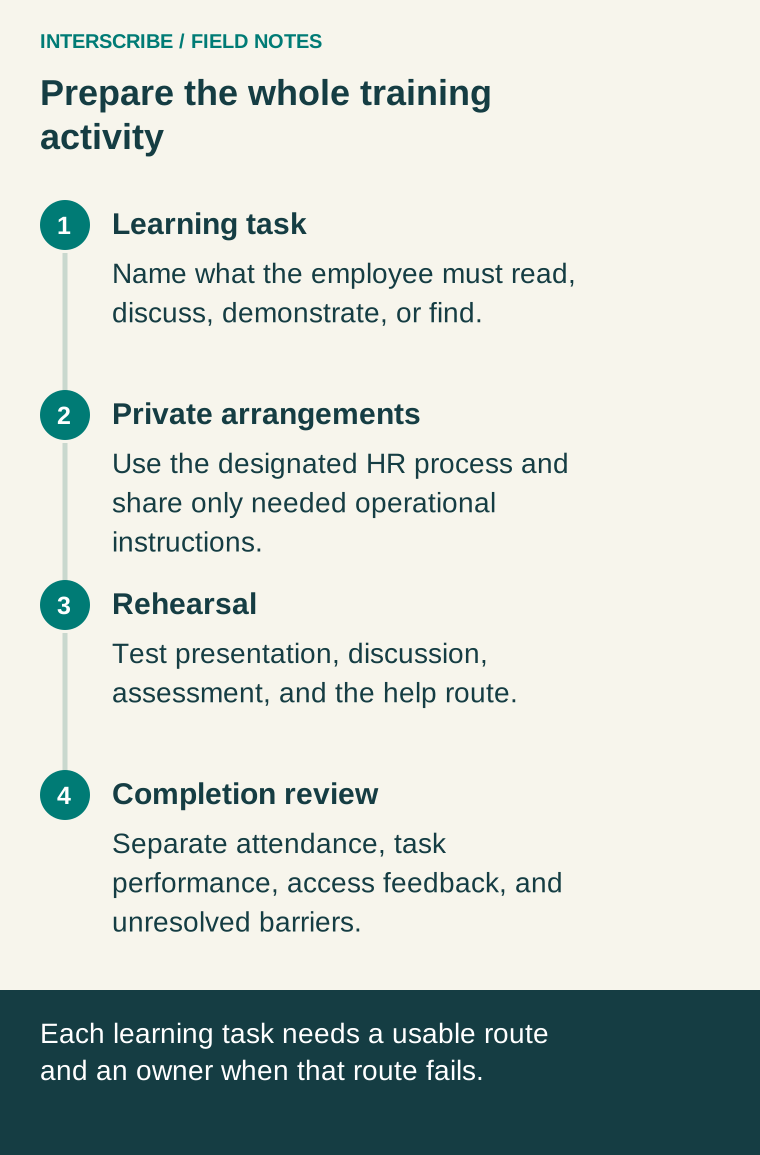
List what an employee must do during the session. Reading a policy, listening to an explanation, responding to a scenario, and finding the right HR contact are distinct tasks. An accessible presentation does not automatically make the assessment or discussion accessible.
Define one observable objective. For example: “Given a fictional employee request, the manager can identify the designated contact and the next step in our approved process.” The objective should come from the organization's reviewed policy, not an improvised rule in a slide deck.
Then map the materials and interaction required to meet it. This tells the team what to prepare and test without prescribing the same arrangement for every employee.
Keep the employment framework in view
The EEOC's reasonable accommodation guidance for employers includes access to training among employment benefits and describes an informal process for clarifying needs and identifying effective accommodation. It also explains that a request need not use the phrase “reasonable accommodation.” Use the designated HR process to assess and respond to requests; do not require someone to use the course's preferred vocabulary before helping them.
This employment-focused guidance should not be replaced with a generic rule borrowed from public-event accessibility. Jurisdiction, employer coverage, other applicable laws, and individual circumstances need appropriate review. A company can also adopt practical defaults that help many participants while retaining a route for individual needs.
Separate three preparation conversations
Content accuracy: HR or the authorized policy owner approves the process, examples, and escalation contacts. A facilitator should not invent answers to a legal question because the session is running behind.
Access arrangements: The responsible team works privately with the employee through the organization's process. The AV operator needs implementation instructions, not personal medical details. Keep sensitive information out of the public attendee list and general run sheet.
Language comprehension: Ask what language and format help people follow the material. Translation and disability accommodation can intersect, but they are not interchangeable. A translated page does not resolve every access barrier, and a caption option does not establish that the training's meaning is understood.
A fictional training scenario
Imagine a company preparing a manager workshop. The course includes a presentation, a small-group discussion, and a form where managers select the next step in a fictional request.
During preparation, an employee contacts the designated access coordinator about participating in the discussion. The coordinator confirms the operational arrangement through the company's process. The facilitator receives instructions about turn-taking and the agreed support, without a public explanation of the employee's circumstances.
At rehearsal, the form cannot be completed using the test participant's normal input method. The team repairs the form or provides an effective approved route before the exercise. It does not mark the participant complete simply for attending the presentation. The learning owner verifies that the revised route still tests the same skill.
This is an invented planning example, not a customer result or a determination about which accommodation a particular employee requires.
Build a delivery-readiness sheet
| Training component | Owner | Observable check | If the check fails |
|---|---|---|---|
| Invitation | Learning coordinator | Participant finds time, format, and private help contact | Correct and resend affected instructions |
| Policy content | HR/policy owner | Scenarios and contact details match approved material | Resolve before teaching the disputed point |
| Presentation | Facilitator and AV | Intended audience can follow the tested content path | Repair source or agreed presentation arrangement |
| Discussion | Facilitator | Turn-taking and participation route work in practice | Use the confirmed alternative or pause the activity |
| Assessment | Learning owner | Participant can complete the task through the intended route | Fix the barrier without changing the learning objective |
| Follow-up | Content owner | Reviewed materials reach the authorized audience | Hold the affected material until corrected |
Add actual names, deadlines, and status. Distinguish “configured,” “rehearsed,” and “unresolved.” A checkbox labeled “captions on” should not stand in for a complete attendee test.
Rehearse with the actual materials
Use the actual joining instructions, a representative passage, the exercise, and the help route. Test both in-room and remote participation if the training is hybrid. Include a question from someone other than the presenter so the audio check does not cover only one microphone.
Where InterScribe is used, getting good audio into the session and listener reading settings describe relevant controls. Confirm the experience in the intended account and device. Reading settings offer choices; they are not a guarantee that every employee's needs are met.
Avoid assigning one person to operate the source, teach the policy, and respond to private help requests at the same time. Name a contact who can act while the facilitator continues or pauses the activity.
Agree on a response to interruption
Use a short facilitator script:
“We are pausing this exercise while we resolve an access problem. Please keep your place. The session host will explain the next step.”
Do not identify an employee or invite them to explain a private need to the group. If the learning activity cannot continue effectively, use the organization's agreed alternative and record what remains to be completed. A recording may support later learning, but it does not automatically reproduce a live interaction.
Review completion and access separately
Attendance establishes presence. An assessment may show performance on a particular task. Feedback describes the participant's experience. None alone proves that every barrier was removed or that the employer complied with all obligations.
Ask a useful question: “Was there any part of the activity you could not complete using the provided route?” Give employees a private follow-up option. Do not interpret low caption use, few requests, or few complaints as proof that support is unnecessary.
Review generated follow-up text before distributing it, especially names, policy steps, exceptions, and contact details. Keep records according to the organization's approved rules; do not create a broad archive merely to claim legal protection.
The practical deliverable is a training plan in which each learning task has an access route, each unresolved issue has an owner, and employees know where to get help. That makes the delivery reviewable without pretending that a checklist certifies compliance.