
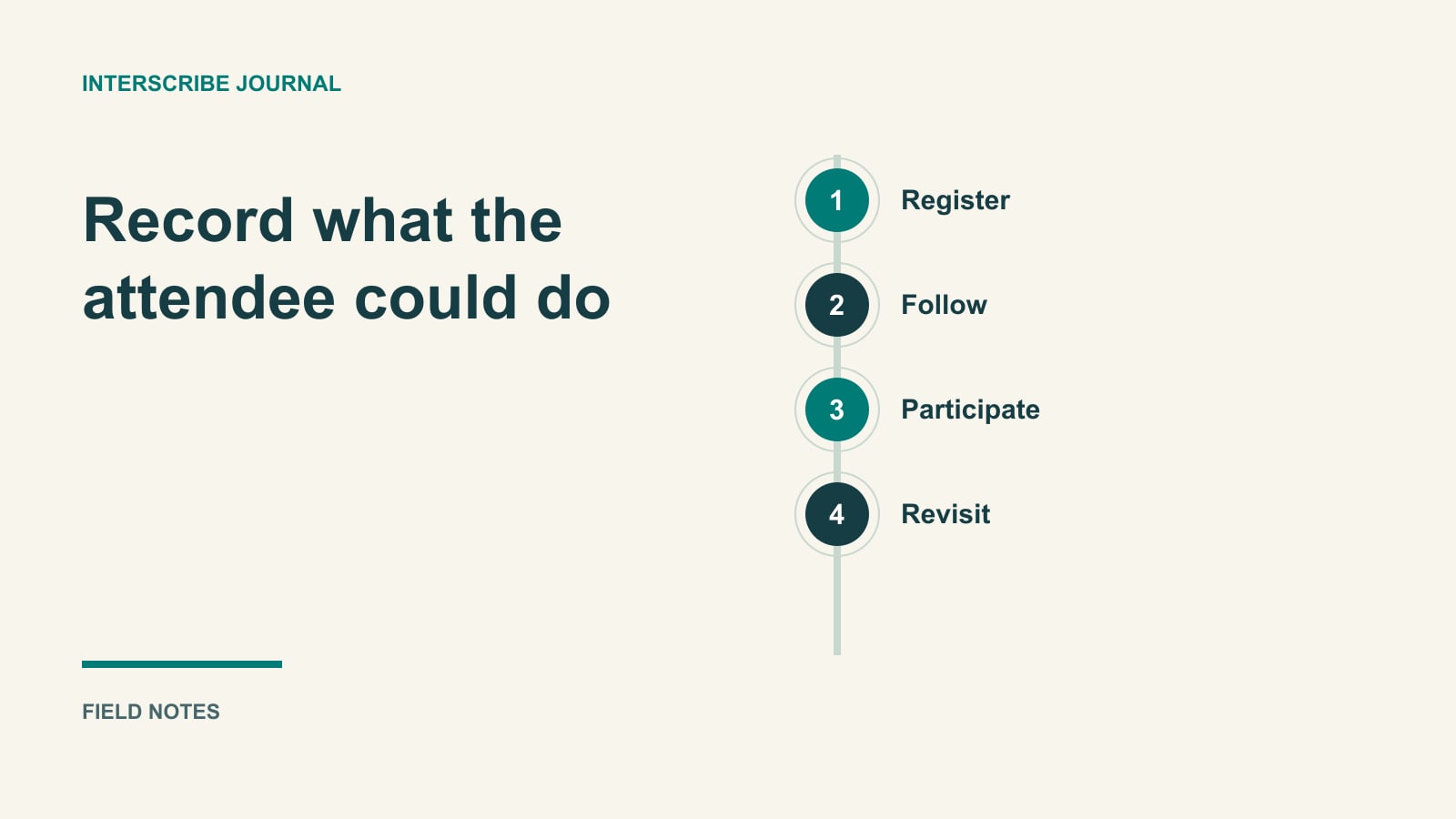
“Captions enabled” is a setting. “A tester followed the presenter and identified the audience question through the captioned experience” is an observation. An accessibility rehearsal needs both configuration and evidence.
Use this guide to turn a short webinar checklist into specific tasks with results, owners, and retests. It is a practical subset based on WCAG 2.2, including selected Level A and AA criteria. It is not a complete conformance audit, a determination of legal obligations, or a guarantee about a webinar product.
Your organization may have a different required version or standard. Record that target before testing. WCAG conformance concerns the applicable requirements across the evaluated scope, not only the items selected in this article. The W3C Recommendation contains the normative criteria and conformance requirements; its Understanding pages provide explanations. W3C: WCAG 2.2.
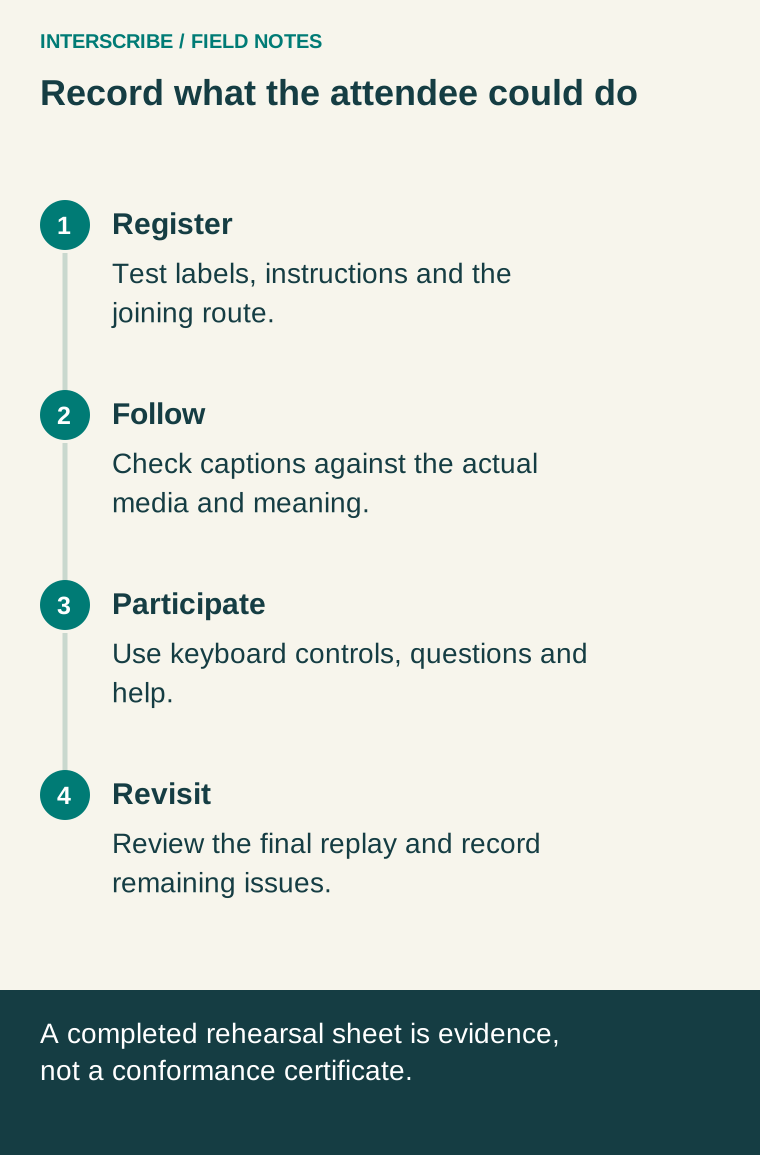
Freeze the journey you will rehearse
List the registration form, confirmation message, joining page, live player, caption controls, questions or polls, help route, and follow-up materials. Record product versions and configuration where available. A new widget or a different embedded player can introduce a surface the previous rehearsal did not cover.
Choose realistic tasks and supported device, browser, and assistive technology combinations with the responsible accessibility team. Include manual testing. A scan can help identify issues, but it cannot establish whether a participant received an understandable caption of the room's question.
Use four result labels: passed in the tested conditions, failed, not tested, and not applicable with rationale. Do not convert an untested item into a pass because the platform advertises support.
Before the event: register and find the controls
For registration, check that fields have understandable labels and instructions. Try an invalid entry and observe whether the person can identify and correct it. W3C's explanation of SC 3.3.2 addresses labels or instructions when input is required; error behavior also needs its own evaluation against the applicable criteria. W3C: Labels or Instructions.
Then put the pointer aside and complete the journey with a keyboard. Reach the joining control, change the relevant settings, submit a question, close a dialog, and leave the session. SC 2.1.1 addresses keyboard operation, with a specific exception for functions depending on the path of movement. Do not use that exception as a general excuse for mouse-only webinar buttons. W3C: Keyboard.
Track focus while moving between controls. Check its visibility, order, and whether overlays obstruct the focused component. WCAG 2.2 SC 2.4.11 requires that author-created content not entirely hide a component when it receives keyboard focus. A sticky help banner can therefore matter even when the underlying button still works. W3C: Focus Not Obscured.
These are distinct checks. A visible focus indicator does not prove every operation works, and successful keyboard operation does not prove all screen-reader information is correct.
During the event: match the media to the criterion
For live audio in synchronized media, SC 1.2.4 at Level AA addresses captions. Captions convey the speech and relevant non-speech audio needed to understand the content, including speaker identification when needed. Do not equate a dialogue-only text stream with a complete caption evaluation. W3C: Captions (Live).
Rehearse the presenter, a speaker change, an audience question, and a meaningful sound or playback segment if one exists in your program. Check that the actual source reaches the support provider or system. Observe the attendee view alongside the media, including timing and any revisions to text.
Do not invent a universal “one to three seconds” WCAG threshold. Record what was measured, such as the end of a specified phrase to its readable caption, and evaluate usability with the responsible team and audience needs. Timing, completeness, and meaning deserve separate observations.
For audio-only material, do not copy the live synchronized-media row without examining scope. Prerecorded audio-only content has a distinct Level A criterion, SC 1.2.1, with its stated exceptions; live audio-only material is addressed separately by SC 1.2.9 at Level AAA. Your organization's obligations and participants' needs still require assessment beyond this short worksheet. W3C: Audio-only and Video-only (Prerecorded), WCAG 2.2: Audio-only (Live).
Check visual meaning and participation
Ask a presenter to explain the point of a chart aloud rather than saying “as you can see.” Provide the agreed accessible materials and evaluate the relevant non-text and media requirements. This is a practical preparation step, not a claim that one spoken description establishes conformance for every visual.
Measure text contrast in the actual presentation or interface. SC 1.4.3 generally specifies 4.5:1 for ordinary text and 3:1 for large text, with defined exceptions. A color name such as “yellow on black” is not a measurement, and text contrast alone does not cover every visual requirement. W3C: Contrast (Minimum).
Test the question or poll from the participant's side. Confirm that the moderator notices it and that the answer returns through the agreed accessible channel. A moderator viewing a successful response on their own screen does not establish the attendee experience.
Record one failure well: a fictional example
A fictional webinar uses a fixed help panel at the bottom of its page. A keyboard tester reaches “Submit question,” but the panel completely hides that focused button. Pressing Enter submits the question; the tester cannot see which control is active.
| Evidence field | Fictional completed record |
|---|---|
| Scope and criterion | Webinar question panel; WCAG 2.2 AA, SC 2.4.11 |
| Environment | Named browser/version, desktop viewport, keyboard-only test |
| Steps | Open help panel, move focus through question fields to Submit |
| Observation | Author-created panel entirely covers the focused button |
| Result | Failed in this configuration |
| Owner and action | Interface owner changes layout so focus is not obscured |
| Retest | Repeat the same path and check nearby controls at relevant widths |
This is a teaching example, not a finding about InterScribe or another vendor. The defect record is useful because someone can reproduce it, understand the criterion, and verify a correction.
After the event: evaluate the delivered replay
A live session and a recorded replay are separate review targets. SC 1.2.2 addresses captions for prerecorded audio in synchronized media, with its stated exception. Test the actual published file and player, not only a source transcript. W3C: Captions (Prerecorded).
Review names, numbers, negation, speaker changes, and important sounds. Check timing after edits to the recording. Evaluate meaningful visual content and any audio-description requirements separately. A downloadable transcript can serve useful tasks, but it is not automatically a replacement for synchronized captions or the other access features the replay requires.
Copy the compact rehearsal sheet
| Surface and task | Criterion or chosen practice | Evidence and result | Owner and retest |
|---|---|---|---|
| Registration | Selected form criteria | Label/error observations | Site owner |
| Join and controls | Keyboard, focus, applicable semantics | Completed task and barriers | Platform owner |
| Live media | Applicable live-media criterion | Caption meaning, cues, timing | Producer and support provider |
| Questions and help | Applicable interaction criteria plus operational response | Submitted, noticed, answered | Moderator |
| Replay and materials | Applicable prerecorded/media criteria | Reviewed final output | Content owner |
Add the exact criterion, version, environment, and observation to each row; the table headings are prompts, not a complete test method. Keep failures and untested areas visible when handing the record to the event decision-maker. Agree a usable response if access fails live, and carry unresolved issues into a qualified review rather than declaring the webinar compliant because the checklist is filled in.