
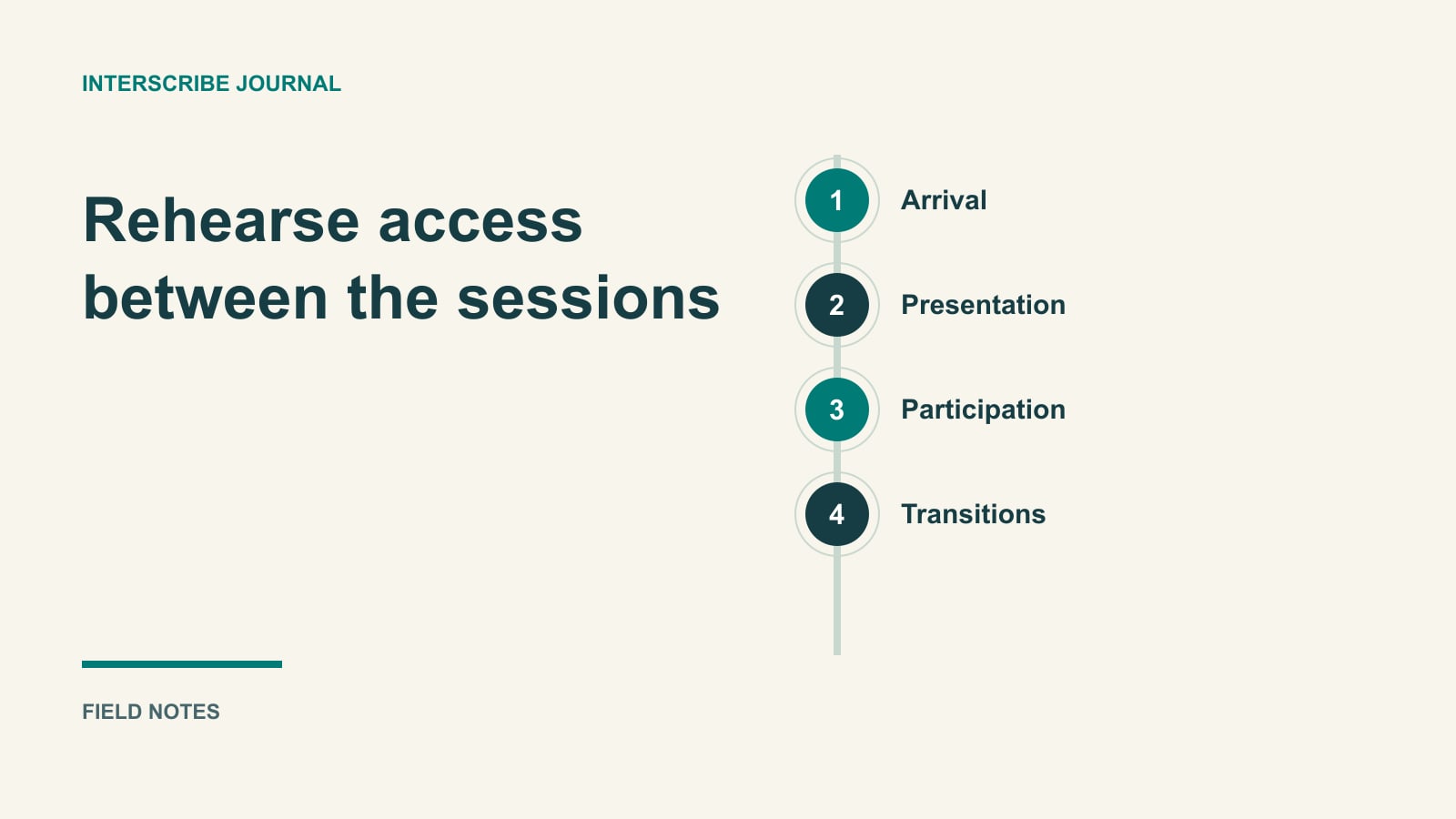
The main-stage interpreter is visible. The captions work during the opening talk. Then a room change is announced only over the loudspeaker, and an attendee misses the workshop they came to join.
Access can break between well-prepared sessions. A whole-event rehearsal follows the participant through arrival, presentations, questions, breaks, changes, and follow-up. It also checks how the person gets help when the planned arrangement stops working.
Start with the participants' communication methods and your responsible accessibility process. Deaf and hard-of-hearing people do not all use the same language or support. A caption stream, hearing status, or country of residence cannot decide the arrangement for an individual.
Confirm the arrangement and its coverage
Provide a contact route before registration and say who will respond. Ask which activities the person intends to join and what will enable them to receive information and contribute. Keep private requests in the appropriate system; event staff need operational instructions rather than unnecessary personal details.
Confirm the actual sign language when interpretation is involved. ASL is distinct from English, and sign languages are not universal across countries or regions. NIDCD: American Sign Language.
For U.S. organizations covered by ADA Title II or III, DOJ's guidance addresses effective communication in both receiving and conveying information, with the arrangement depending on the context and the person's methods. Have the appropriate authority assess your event's requirements. DOJ: Effective Communication.
This guide supplies an operational rehearsal, not a legal determination. Use the ASL and captions comparison for the initial format conversation, then carry the agreed arrangement across the whole program.
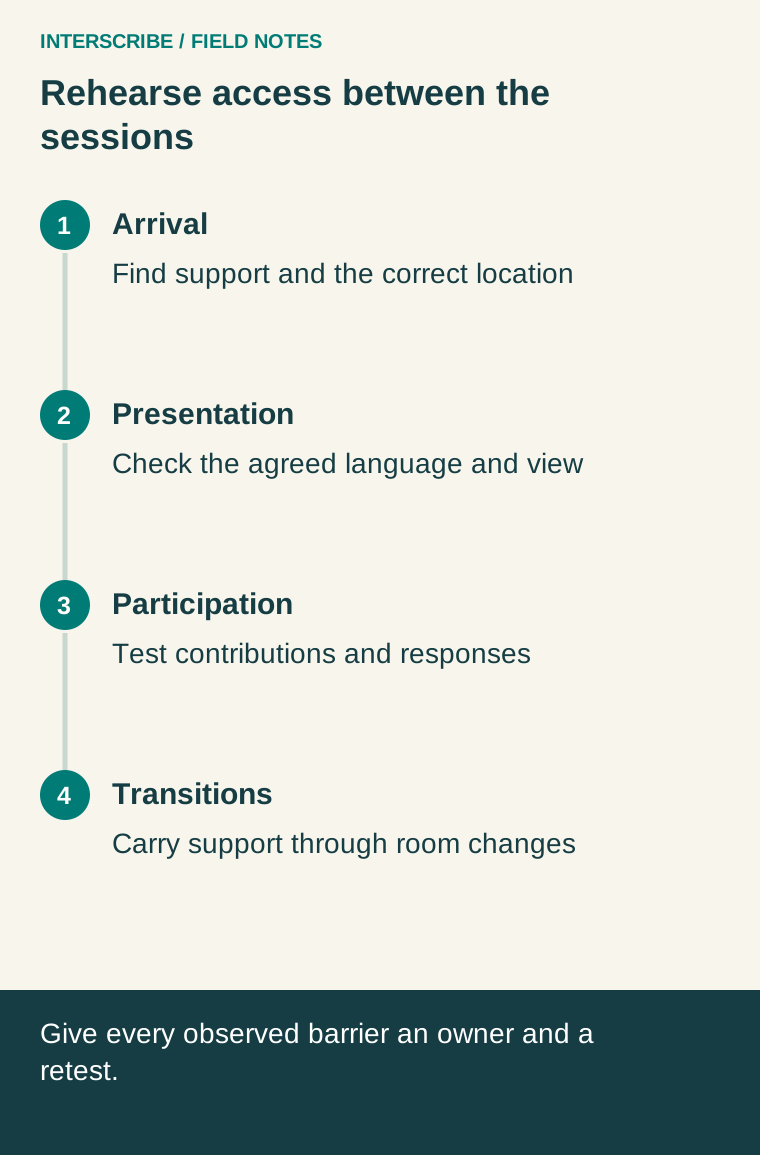
Walk the route before testing the stage
Start with the invitation. Can a participant discover the available support, request an arrangement, and find the response? Try the registration form and confirmation. Check whether a last-minute location or schedule change reaches the person through an accessible route.
At the venue, rehearse check-in and directions. If staff rely on spoken announcements, agree another effective route for important changes. Coordinate emergency communication with the venue's responsible safety team; a live caption feed should not be treated as the venue's emergency system.
For a remote participant, test sign-in, the intended event, the requested communication method, and the help contact. A person who cannot reach the event page also needs a way to report that problem.
Test the actual view and the actual sound
With the provider and relevant participants or testers, inspect the view from seats and devices people will use. Confirm that interpreter signing and facial expression remain visible during slides, camera changes, and audience questions. Avoid assuming a small video inset or a single front-row seat works for everyone.
For captions, include speaker changes, question microphones, and meaningful audio from media playback. Examine wording and timing, not merely whether text moves. If essential sounds or speaker identity are needed to understand the exchange, include them in the evaluation and service brief.
Give the presenter a practical pacing instruction: explain the relevant point, allow time to inspect the visual, and avoid advancing while people are still locating essential information. Confirm the layout through a task, such as following a new diagram step, rather than approving an attractive screenshot.
A fictional conference walkthrough
A fictional community conference has an opening talk, small-group discussion, and a move to another room. The organizer has arranged the requested interpretation and caption services through its access lead.
During rehearsal, a tester can follow the talk but finds two gaps. First, the moderator accepts shouted questions that do not reach the supported audio path. Second, the room change appears only in a spoken announcement.
The team assigns the moderator to route questions through the agreed process and repeats the test with a new question. The floor coordinator adds the room change to the established visual communication route and confirms that remote attendees receive the correct next-session instruction too.
The interpreting provider reviews the transition and break arrangements. The organizer does not assume an interpreter covering the presentation can simultaneously cover an informal conversation elsewhere.
This fictional example shows how a whole-event walkthrough finds gaps between services. It is not a claim that the arrangement meets every participant's needs; those remain subject to confirmation and correction.
Use a participant-access rehearsal form
| Stage and task | Test observation | Owner | Correction and retest |
|---|---|---|---|
| Find support before booking | Could the tester locate a contact and receive a response? | Registration lead | Repair instructions and submit a fresh test request |
| Follow presentation | Were requested language, captions, and visuals usable together? | Access lead with AV/provider | Adjust agreed arrangement and test a new segment |
| Ask and follow a question | Did the contribution and response reach everyone intended? | Moderator | Rehearse the two-way procedure |
| Move between activities | Did the location, joining route, and support transfer correctly? | Floor coordinator | Run the complete transition again |
| Get help during interruption | Did the request reach someone able to act? | Support lead | Assign backup and repeat the help test |
| Retrieve follow-up | Could the intended recipient use the reviewed material? | Content owner | Correct format/access and retry as recipient |
In your working copy, add the device or seat, date, tester role, outstanding limitation, and who may approve the final arrangement. Keep “not tested” distinct from “passed.” Do not ask one Deaf participant to certify the event or speak for all attendees.
Prepare providers and responders
Agree preparation materials, sound and video conditions, team arrangements, handovers, and breaks with service providers. Include the program's discussion and informal components in the scope rather than booking only the main-stage minutes. Provide a separate technical contact so a person delivering support is not also expected to repair the event.
Where InterScribe's sign-language feature is enabled for the account, its documented channel displays a human interpreter beside captions. The organizer arranges the interpreter, and the camera booth sends video only. Confirm source access, contribution routes, and account availability before relying on it.
If using Ask the organizer, check submission permissions and who watches Backstage. Guest requests require email confirmation in the documented workflow. Rehearse that route and provide another appropriate contact for urgent access problems.
Make failure response part of the program
Agree who can ask the host to pause when essential communication is interrupted. Tell participants what is happening through the usable channels and explain the next step. Do not quietly substitute captions for a requested sign-language service or assume a transcript later repairs a missed opportunity to contribute now.
Afterward, ask about specific tasks and preserve unresolved barriers with owners. Review recordings and written outputs before release using the live, replay, and transcript planning guide. Fewer complaints alone do not prove improvement; an easier reporting route may produce more useful reports. The test is whether the agreed participation tasks work and whether failures receive an accountable response.