
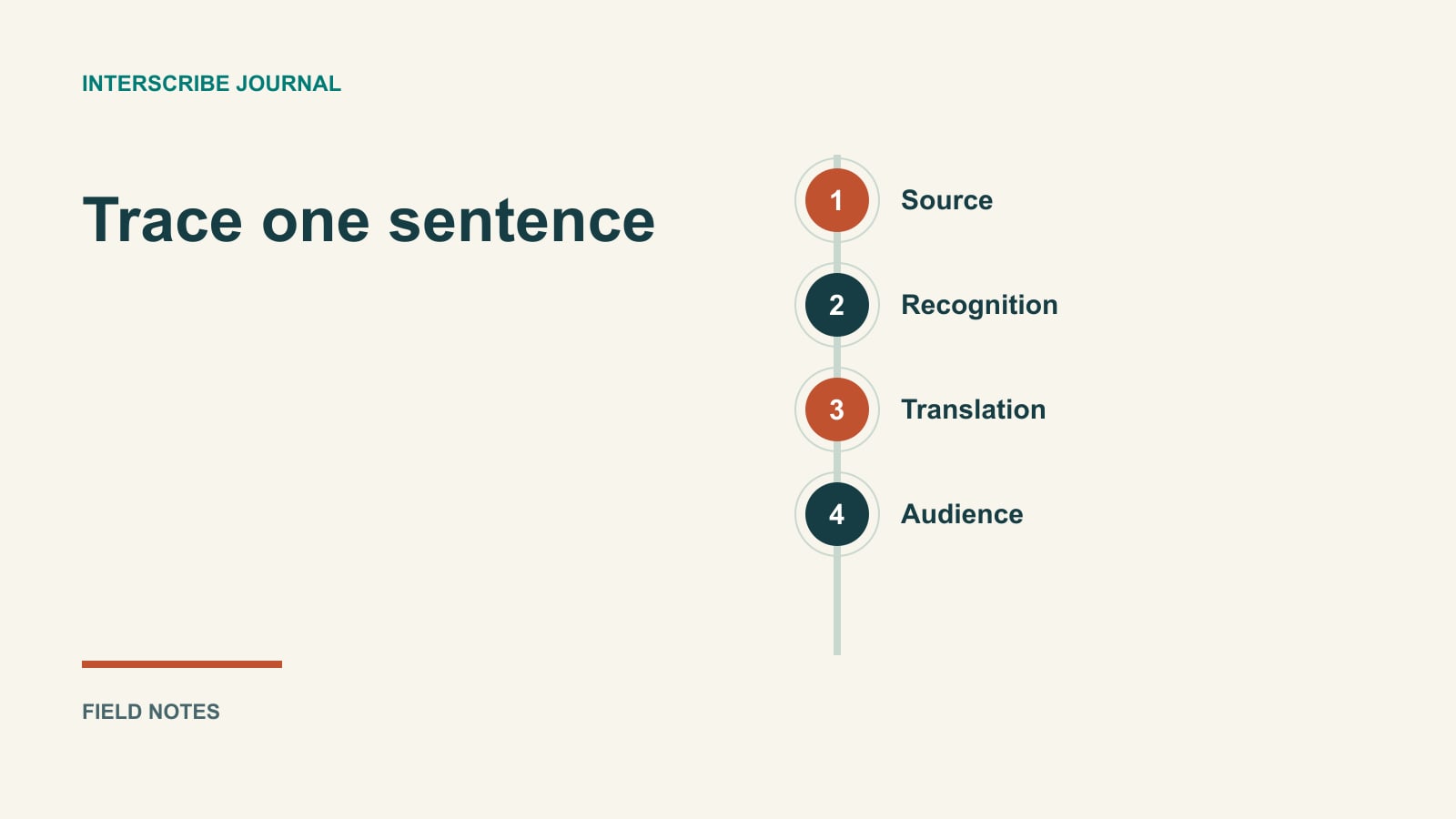
Follow one sentence through the system
When a translated caption looks wrong, changing the output language is only one possible response. The original audio might be unclear. Speech recognition might have missed a negative. The translation might have selected the wrong meaning of a technical term. Or the audience might be watching a different session.
A useful troubleshooting habit is to follow one sentence through the chain. This guide gives an organizer a practical trace sheet for rehearsal and a calmer way to report a live problem. It describes a conceptual pipeline, not a specification of every provider or the internal implementation of InterScribe.
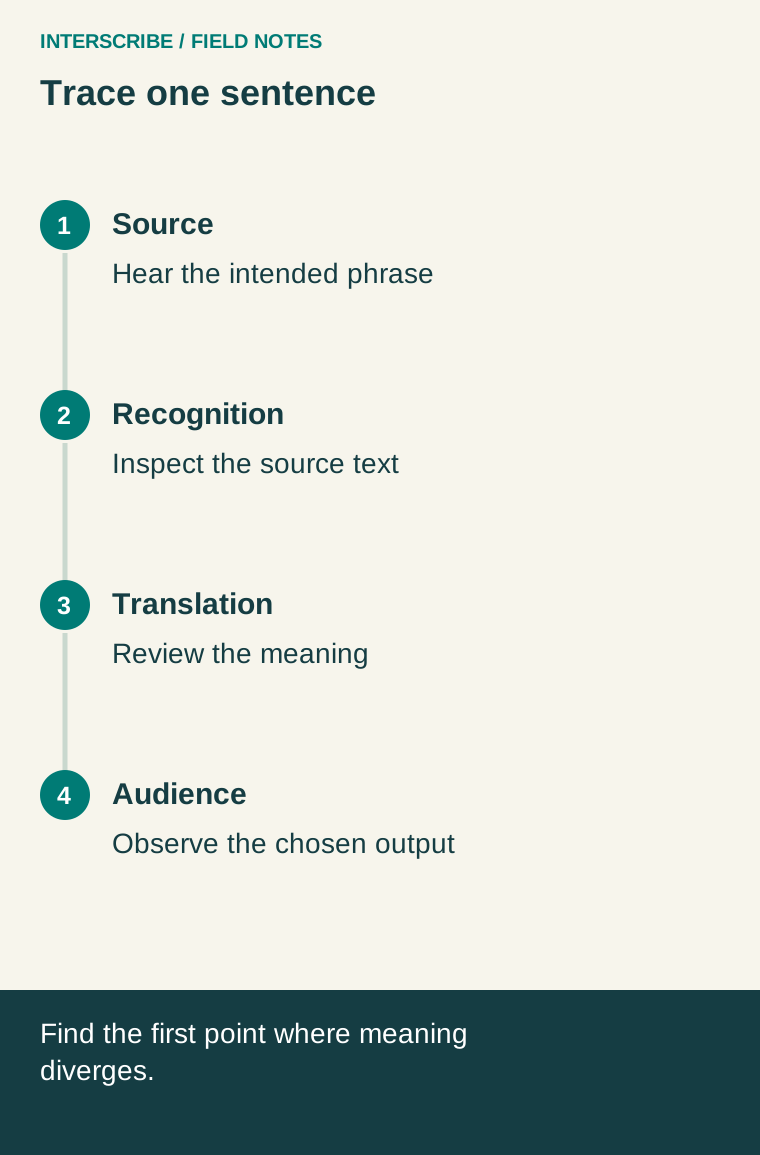
Four checkpoints, with an optional audio branch
Source audio: the microphone, mixer or computer supplies the speech. Confirm the intended speaker is actually in that feed. A clear voice in the room does not prove that the remote input contains it; a question from the audience may never reach the microphone.
Recognition: speech is represented as text. Read that source-language text before evaluating a translation. If it already says the wrong quantity, a fluent translation of it can still communicate the wrong instruction.
Translation: text is expressed in another language. Context matters: the same word may describe a financial institution or the side of a river. A language reviewer should check the intended meaning, not just whether the output sounds polished.
Delivery: the listener receives the selected output. Check the session, language, device and connection using an actual audience link. An operator's console is a different observation point from the participant's screen.
An optional synthesized-voice path adds spoken output. Test it separately from text, including what the listener hears alongside the original audio. A successful caption check does not establish that the audio selection or listening experience is correct.
A worked rehearsal trace
The following is a fictional equipment-training rehearsal, not a measured customer result. The presenter says: “Do not disconnect pump B until the green light appears.” A reviewer sees a translated instruction that seems to permit immediate disconnection.
Instead of assuming translation failed, the team records the evidence:
| Checkpoint | Observation in this fictional test | Next action |
|---|---|---|
| Source feed | A chair scrape covers “not” in the captured audio | Move the microphone and repeat the same sentence |
| Recognized text | “Do disconnect pump B until the green light appears” | Confirm whether the missing negative persists with clean audio |
| Translated text | Reviewer says the instruction follows the incorrect source | Retest after fixing the upstream problem |
| Audience output | Correct session and language; text is visible | Keep this path unchanged while isolating the audio fault |
On the repeat, the team checks the negative, equipment label and condition again. This example does not establish that cleaner audio always fixes an error. It shows why comparing evidence at several points is more useful than treating every wrong output as the same problem.
For consequential operating instructions, the organizer also supplies an approved written procedure and an appropriate clarification route. An experimental output is not the authority for a safety decision.
Make the test resemble the event
Choose a short set of permission-cleared sentences from the actual subject matter. Include a name, a number, a negative, an acronym and a question. Ask the speaker to use their normal pace and microphone position. A carefully read generic greeting is too easy to reveal many event-specific problems.
Keep a small, reviewed terminology list for the people configuring and checking the session. If a particular configuration offers vocabulary or context controls, verify what those controls do before depending on them. Supplying a word is not evidence that a system has learned your organization or will always render that word correctly.
Repeat the same test after a relevant change. Changing the microphone, room routing and language settings together makes it difficult to know which change helped. Keep the original failing example and the successful repeat in the rehearsal record.
Use this trace sheet
| Field | What to record |
|---|---|
| Session and source | Session name, selected room or computer input, test time |
| Expected message | Exact source sentence and the meaning that must survive |
| Audio observation | Intended voice present? Noise, missing words or overlapping speakers? |
| Source text | What recognition actually displayed, if available |
| Target observation | Selected language and reviewer explanation of any meaning change |
| Audience observation | Device, visible output and optional voice selection |
| Change and repeat | One change, repeated sentence, result and owner |
Use relative timings if you are investigating delay: when the speaker finishes the test phrase, when useful text is first available, and when the participant can act on it. Explain how you measured these points. Do not combine a provider's processing figure with a separate network estimate and present the sum as observed audience delay.
Connect the model to your InterScribe rehearsal
The documented first-event workflow distinguishes computer audio, a desk agent and an existing stream. It also separates a room's audio setup from the session that uses it. Confirm that relationship before changing language settings.
The console guide describes a sound check and the controls for going live and ending a session. A connection indicator describes that connection; it is not proof that the chosen sentence reached the participant correctly. Open the shared audience link on a second device and inspect the selected output there.
These are documentation-based directions. Labels, permissions and enabled services should be checked in your environment during rehearsal; this article does not certify a deployed account or provider arrangement.
Escalate with evidence, not a restart loop
For a live problem, protect the participant's ability to follow the event first. Use the agreed host message and backup arrangement, then give support a short trace: session, time, affected language, what was expected, what appeared and what changed. Share only approved excerpts rather than an unnecessary complete recording.
Avoid repeatedly restarting an active session as a general cure. That changes several conditions and can disrupt people who were receiving useful output. The practical takeaway is a traceable fault report: identify the earliest checkpoint where the message diverged, make an authorized change, and verify the result from the audience's side.