
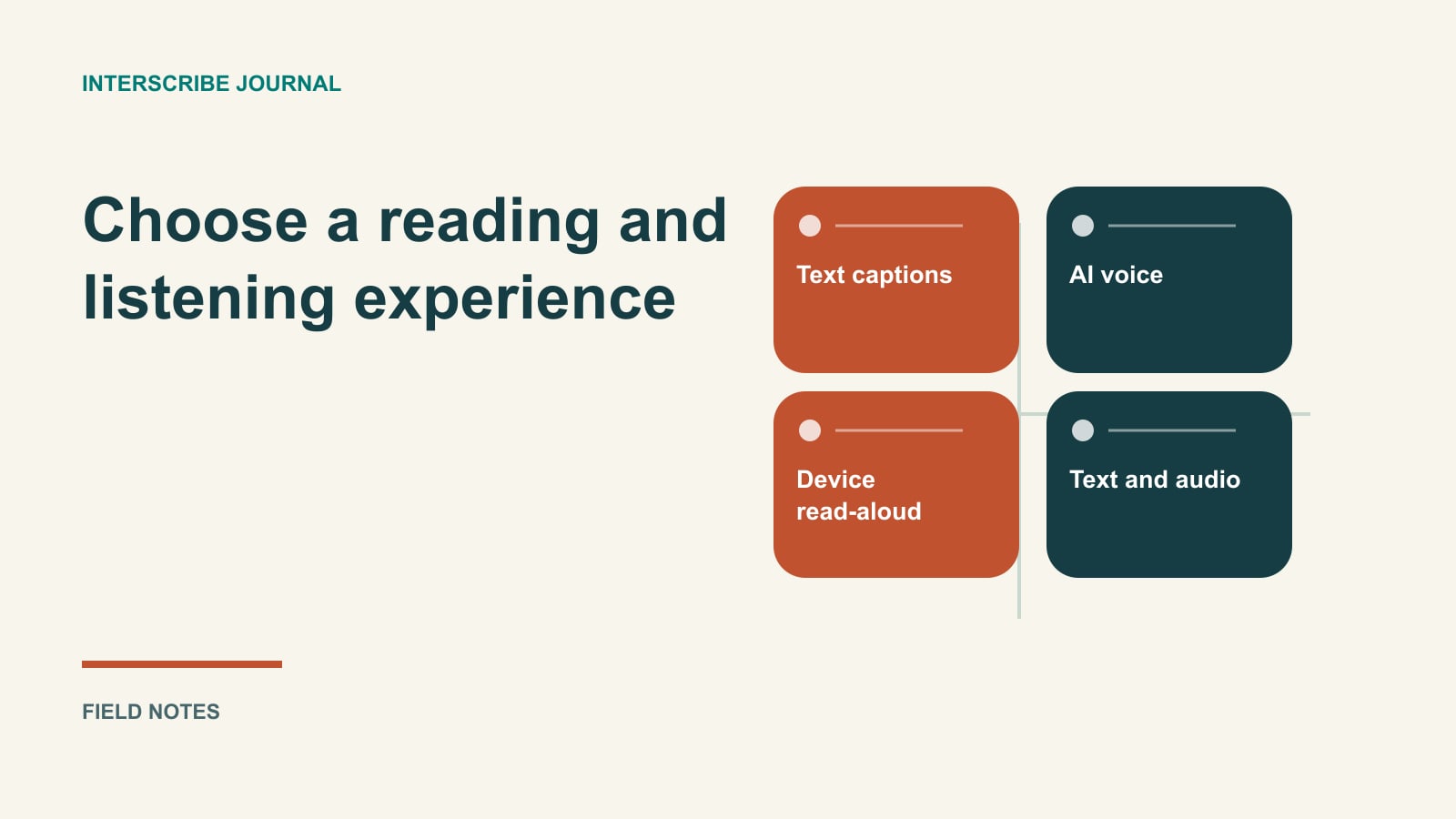
A presenter changes a diagram while explaining it. One attendee wants translated audio so they can keep watching the diagram. Another wants the written wording beside the slide. A third wants both, with the original sound quiet enough to hear the translation.
These are different participation tasks. Choosing the format by asking which technology is “best” misses the practical decision: what does this person need to read, hear, watch, and do at the same time?
InterScribe's documented listener experience separates the language a person reads from what they listen to. The organizer determines which audio services the session offers. Confirm the choices in your event and rehearse them on the devices attendees will use; a language available for text does not establish that the same audio option is available.
Name the options correctly
Text captions provide a written stream. A listener can choose a caption language, and translated captions may be available alongside the original. Reading text still requires attention to the screen; it does not make a visual demonstration self-explanatory.
AI voice provides synthesized spoken interpretation. In the documented product, this is distinct from having a browser read the captions aloud. Availability depends on the organizer's configuration and account. Do not advertise every text language as an AI voice language.
Device read-aloud uses the phone or computer's own voice to read captions. Its behavior depends on the device and browser. It is a separate choice, with different limitations, rather than a second name for AI voice.
Human interpretation may also appear among the audio options when arranged by the organizer. This article focuses on reading and listening experiences; the AI and human service comparison addresses procurement and staffing.
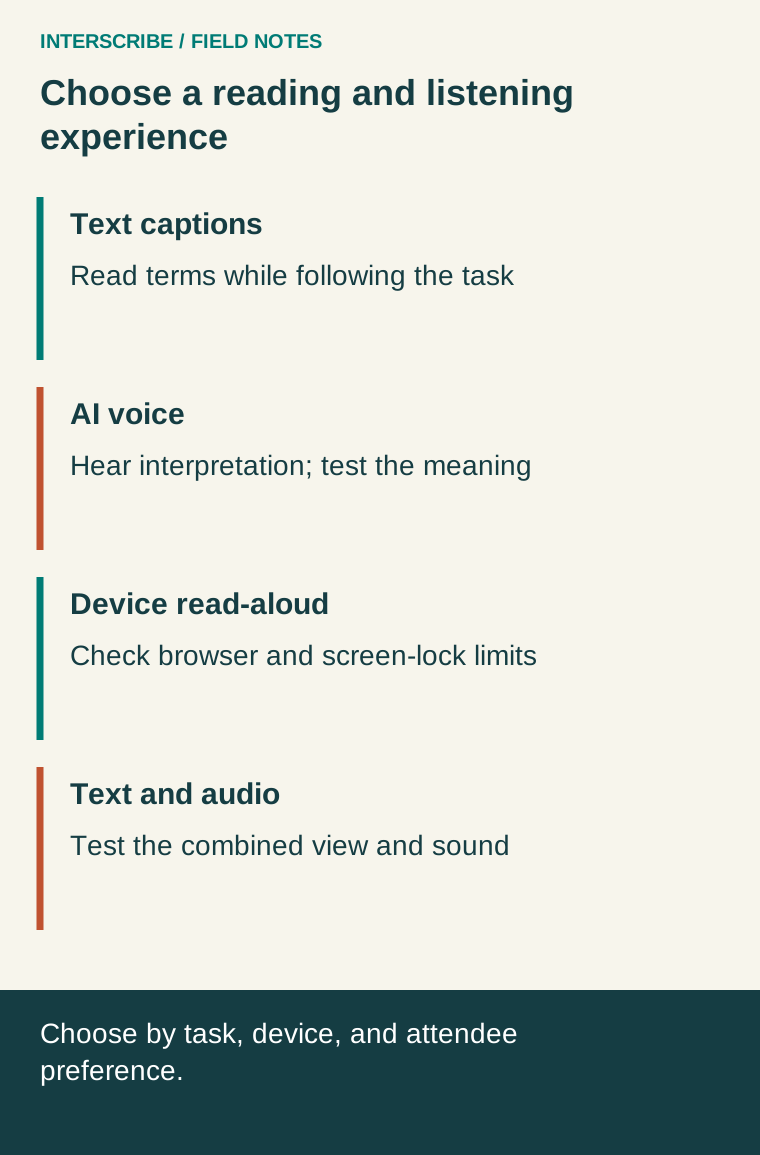
Compare the work each option asks of the attendee
| Experience | Useful task to test | Preparation | Limitation to observe |
|---|---|---|---|
| Text captions | Find the exact term while following a talk | Readable display, chosen language, joining instructions | Attention shifts between text and visuals |
| AI voice | Follow meaning while watching a demonstration | Offered language, headphones, audio started | Timing, missing meaning, overlap with original audio |
| Device read-aloud | Hear caption text using the device voice | Supported browser and voice, device settings | Device restrictions and screen-lock behavior |
| Text and audio together | Listen while checking names or numbers | Independent reading/listening choices | Competing sound or too much on-screen information |
None of these options establishes that an individual accommodation has been met. Preserve the attendee's requested arrangement and your organization's access process. If a person cannot use a text fallback, continuing captions during an audio interruption does not resolve their access problem.
Fictional situation one: watching a detailed demonstration
In a fictional equipment workshop, Lina wants to watch the presenter's hands rather than continually look down at her phone. She tries the offered Spanish AI voice through headphones during rehearsal. She also leaves Spanish captions visible to check a part name.
The first test uses only an introductory sentence and seems fine. The second includes a direction change: “Do not turn the blue handle until the indicator is green.” Lina and a competent language reviewer examine whether the instruction's meaning arrives in time to follow the demonstration. This is a fictional test, not a claim about a particular system's output.
They discover that the presenter moves on before the test participant can confirm the instruction. The organizer changes the teaching sequence: explain the step, pause for the supported audience, then demonstrate. The decision is about the whole interaction, not an assumed universal delay target.
For a safety-critical task, the responsible specialist must determine the required instruction and verification process. An event format trial cannot authorize someone to perform hazardous work.
Fictional situation two: reading in a shared space
In a fictional association meeting, Marc joins from a shared office without headphones. He chooses French captions and keeps audio off. He enlarges the text, then tests whether he can read a new sentence and still see the relevant slide.
Later, at home, Marc tries device read-aloud. His phone stops reading when the screen locks. The organizer's support instructions distinguish this documented limitation from a failed AI voice channel; they do not ask the operator to restart the event.
Marc's preference changes with the environment. That is why a single default cannot stand in for understandable controls and a choice the attendee can change.
Set up the documented listener choices
On the listener page, open Settings. Under Language, choose Captions for the reading language. Show original can place the spoken language beneath the translation.
Under Listen in, inspect the groups actually offered: From the room, AI voice, and Read aloud by your device. Select the intended source and start listening. Use headphones in public. The language and voice guide explains the choices and status messages.
For device read-aloud, iPhone and iPad need Silent mode off; some browsers do not support it. In the browser, that device voice stops when the phone locks. Check the phone listening guide before promising background behavior.
When video and a voice are combined, the documented Sound controls can adjust their mix on supported devices. The controls do not appear on iPhone or iPad, where the phone's volume buttons apply. Test the sound mix rather than assuming every device has identical controls.
Copy this read-listen-both trial card
Use a representative segment containing a visual change, a name or number, and a question. Ask permission before recording a test.
- Task: What must the attendee do while following the speaker?
- Chosen experience: Reading language, audio source, and whether both are used.
- Environment: Device, browser/app, headphones, video, and network.
- Observation: Which meaning was clear, missing, late, or difficult to locate?
- Control check: Could the attendee change language, return to live text, and find help?
- Interruption plan: What arrangement remains usable if the chosen audio or text stops?
- Decision: Keep, revise, or arrange another service; name the owner and retest.
Avoid grading people on their reading speed or inferring a disability from the option they choose. Offer reading comfort controls, explain limitations plainly, and let the participant describe what works. For the technical delivery plan, use the interpreter equipment and signal-path guide.