
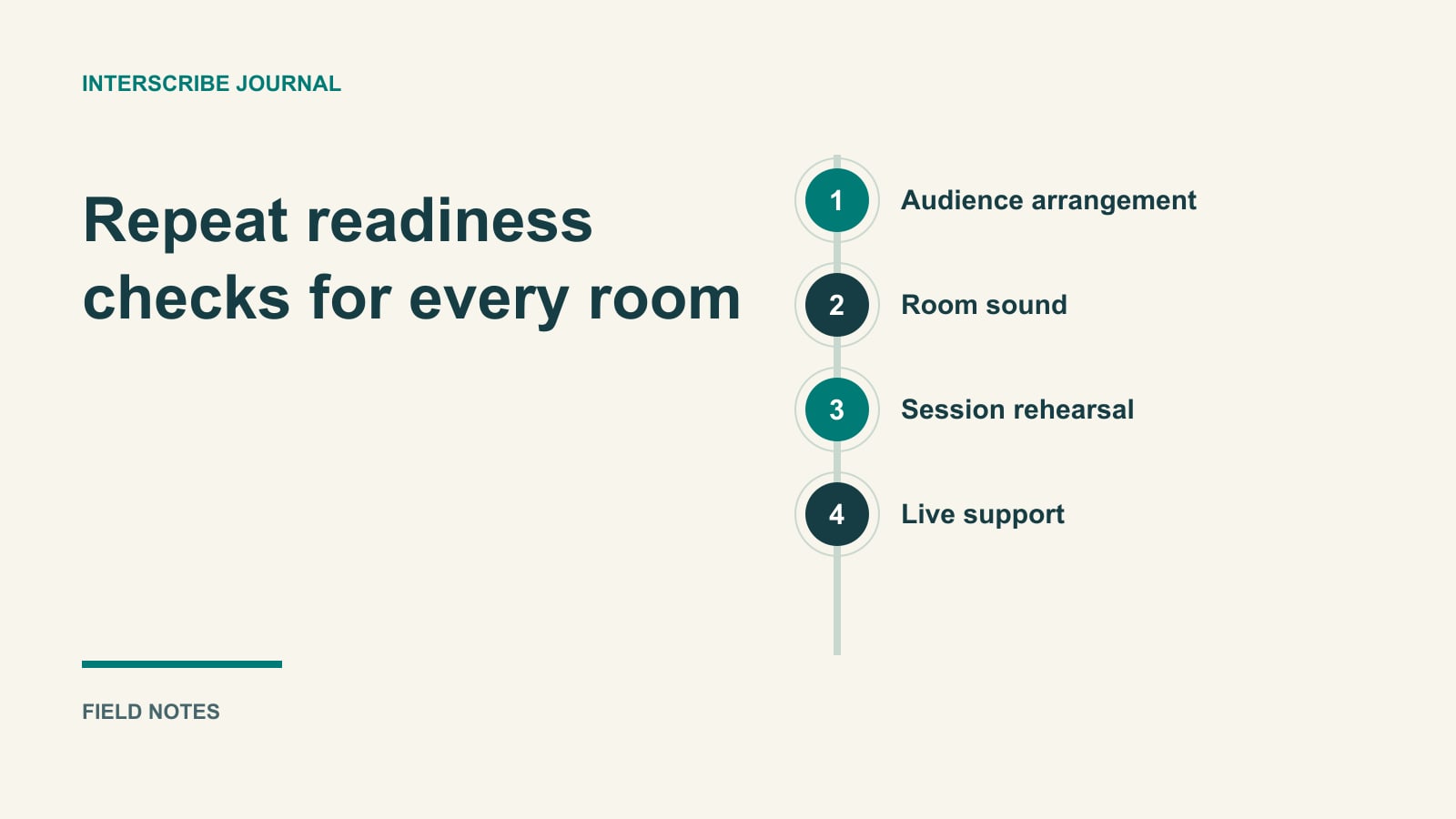
The keynote rehearsal works. Captions appear on a phone, the presenter sounds clear, and the team moves on. After lunch, the audience enters a breakout room and sees captions from somewhere else.
Use the printable event caption rehearsal sheet to assign room-level owners, record source-to-audience checks and delay observations, and agree a fallback before doors open.
A conference captioning plan has to cover more than a successful first demo. It connects each audience, room, session, sound source, and operator to an experience someone has actually checked. This guide is the starting map; use the linked specialist guides when a task needs deeper preparation.
AI captioning can be part of that plan, alongside human captioning, interpretation, and other agreed support. Choosing a tool does not decide whether the arrangement meets a person's needs or your organization's obligations.
Start with the program and the people
List the sessions attendees may join, including workshops, questions, announcements, and transitions. Record the participation task for each. A keynote is mainly listening; a workshop may require reading a diagram, responding to an instruction, and contributing a question.
Ask about communication methods and languages through a clear, private contact route. Distinguish written translation from spoken interpretation and sign-language support. A request for one should not silently become an offer of another.
Give the access lead responsibility for confirming arrangements. Give the producer responsibility for resourcing and scheduling them. An AV technician should not have to settle an accommodation question while simultaneously fixing a microphone.
Use the AI and human service-selection brief to turn those needs into a delivery choice. There is no attendance threshold or generic accuracy claim that resolves the decision for every conference.
Build a room-to-session map
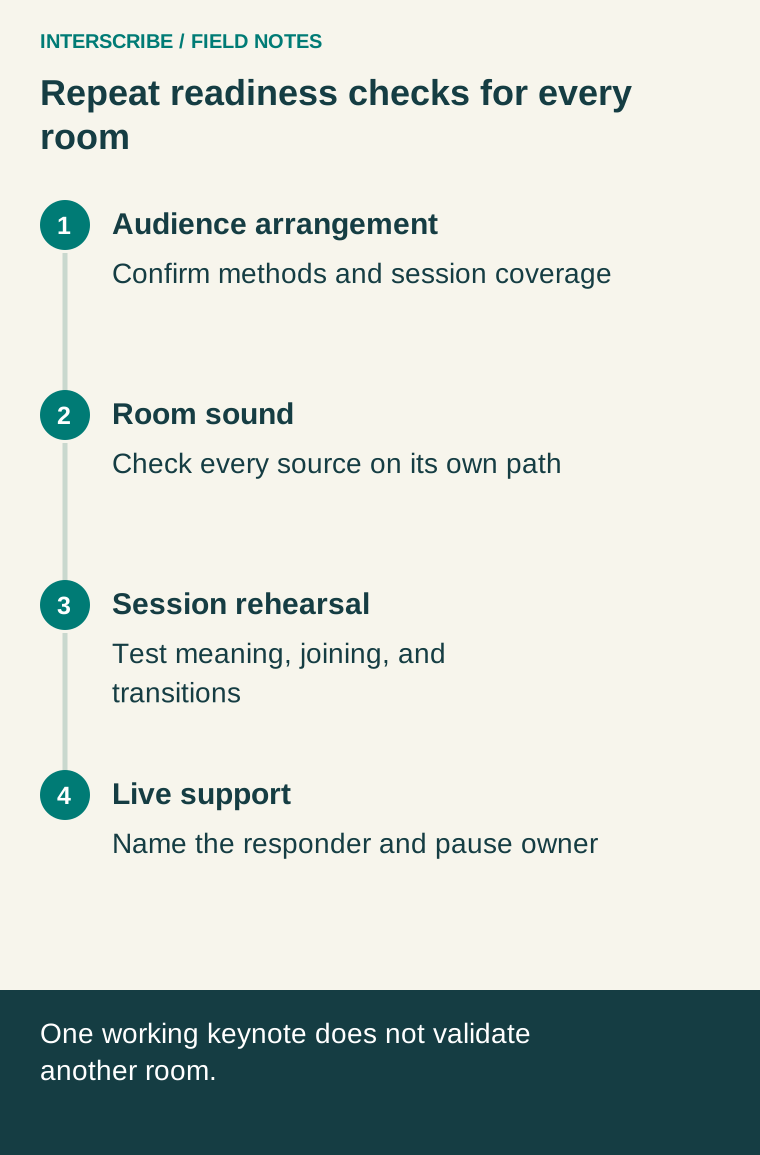
For each room, write down the sound source and who owns it. Include presenter microphones, question microphones, remote speakers, and media playback that attendees need to follow. A room loudspeaker being audible does not prove the caption system receives those sources.
In the documented InterScribe workflow, each room has an AV channel, an agent sends sound to that channel, and a session assigned to the room receives its sound there. See getting good audio into InterScribe. Confirm the actual arrangement in your account and venue before copying it to the conference plan.
Sessions cannot share the same room or sound path at overlapping times in the documented creation workflow. Separate simultaneous rooms need deliberate configuration; duplicating a session name is not a routing plan. The session guide explains the room, source, and conflict checks.
A fictional expansion from one room to two
A fictional design conference has a morning plenary followed by two simultaneous workshops. The producer copies the plenary preparation checklist for both rooms and initially assumes the working caption setup is reusable everywhere.
During a room-by-room review, the AV lead finds that Workshop B has its own mixer and an audience microphone that was never included in the outgoing feed. The session coordinator also finds an outdated sign pointing to the plenary session.
The team assigns Workshop B its intended sound path, includes the question microphone, updates the joining instructions, and rehearses from an attendee device in each room. Testers say distinct phrases so the operator can identify a crossed feed immediately. They also test moving from the plenary to the next session.
The fictional outcome is a corrected plan and observable checks, not a claim of measured attendance or accessibility results. The lesson is that a second room creates another delivery path to verify, even when the software and presentation format look familiar.
Give speakers a short preparation brief
Ask for names, specialist terms, slides, and planned media before rehearsal. Explain the microphone procedure and how audience questions will enter the same supported communication path. Encourage speakers to identify important visual changes verbally and pause at meaningful boundaries.
Use the glossary and context guide for documented vocabulary settings. Test terms in realistic sentences; a term list is preparation, not proof that every occurrence will be recognized or translated correctly.
Avoid turning speaker preparation into a demand for a particular accent. Work on the captured signal, terminology, and event procedure. If the delivery still fails a representative test, change the arrangement or obtain suitable additional support.
Rehearse a sequence, not just a microphone
Run a short version of the actual program: joining, introduction, presenter change, slide or media segment, question, break, and next session. Include in-room and remote attendee views where both are offered.
Check meaning as well as visible activity. Captions moving on screen establish that text is arriving. They do not establish that a name, negation, or technical instruction is correct. Ask a competent reviewer to examine translated material and record the specific issue.
For hybrid video, compare captions with the video the remote attendee sees. The video and caption paths may have different delays. Use the latency measurement guide and rehearse any adjustment; do not apply a guessed delay to every audience.
Copy this conference readiness map
| Work item | Owner | Observable check | Hold or correction |
|---|---|---|---|
| Communication arrangements | Access lead | Requested methods and session coverage confirmed | Resolve missing arrangement before advertising coverage |
| Room sound | AV lead | Every required source heard on intended path | Repair routing and repeat source test |
| Session setup | Session coordinator | Correct room, language, source, and published joining route | Correct mapping and retry as attendee |
| Meaning and timing | Reviewer with operator | Representative terms, questions, and media checked | Record errors, adjust plan, retest |
| Help and transitions | Floor lead | Test request reaches assigned responder; next session found | Add staff route or correct instructions |
| Follow-up material | Content owner | Reviewed version and recipient access tested | Hold unreviewed or incorrectly shared output |
Add a named backup and decision time for unresolved rows. A green row means the stated test passed in its recorded conditions. It does not certify the entire event.
Staff the live response and the follow-up
Tell attendees how to obtain help without interrupting publicly. If using Ask the organizer, verify who may submit and assign someone to respond. Keep another contact route available for a person who cannot reach the page.
Agree who can ask the host to pause when essential access is interrupted. Do not silently switch an attendee to a format they cannot use. Preserve the affected room, time, language, and symptom for support, and follow the relevant troubleshooting guidance.
After the event, assign review before distributing captions or transcripts. The live, replay, and transcript guide covers the separate review and ownership needs of those outputs. Debrief the failed tasks and the successful corrections, then update the room map for the next conference. Your reusable asset is a tested delivery procedure with owners, not merely a saved configuration.