
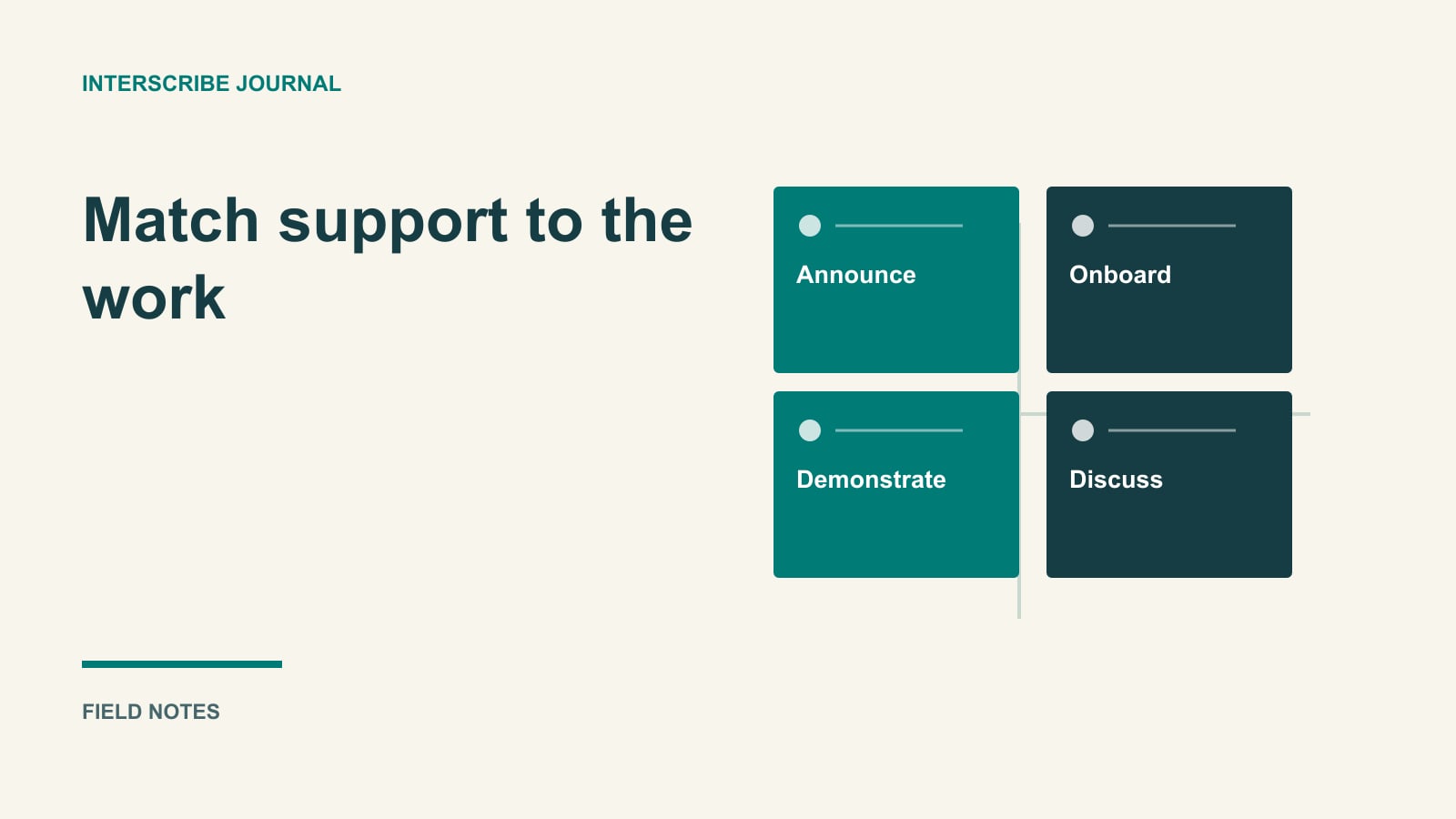
Plan around the work people must do
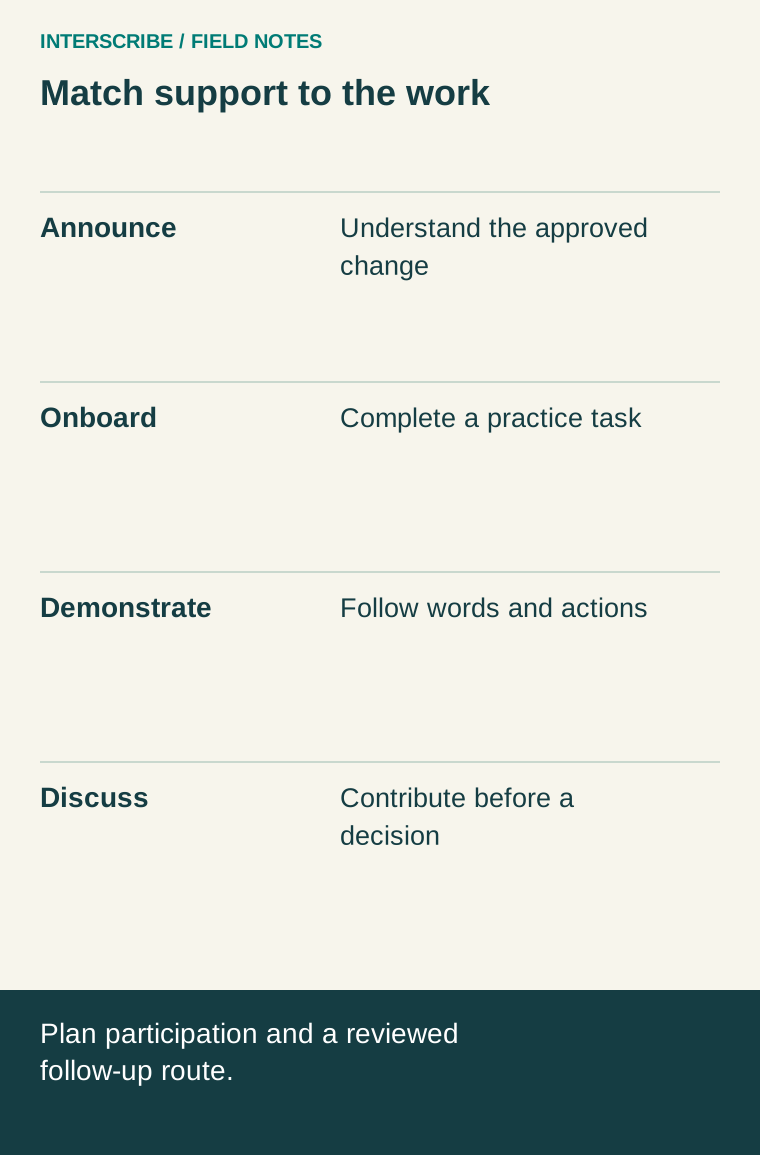
A translated company announcement, an onboarding demonstration and a team discussion ask different things of the audience. One requires understanding an update; another requires performing a task; the third requires contributing to a decision.
A remote team needs a language-support plan that follows those tasks. It also needs a way to ask questions without requiring someone to disclose a difficulty in front of the whole company. This guide provides a task matrix and a fictional onboarding plan, without assuming that a person's location determines their language needs.
Ask preferences through a usable route
Ask which language and format would help people understand and participate in the specific activity. Someone comfortable reading a document may want another arrangement for rapid discussion. Another person may prefer captions in the spoken language.
Provide an appropriate private route for individual accessibility or other support requests. The meeting organizer needs enough information to arrange participation, not a public explanation of someone's personal circumstances. Confirm arrangements with the responsible internal team when the matter falls outside the organizer's role.
Record unresolved needs before choosing the meeting format. A poll of convenient respondents should not become a statement about every employee or office. Allow people to update a preference when the task changes.
A four-task planning matrix
| Team task | Live design question | Follow-up design question |
|---|---|---|
| Announcement | Can people understand the change and request clarification? | Where is the approved written version? |
| Onboarding | Can the new colleague perform the demonstrated task? | Is there a reviewed procedure and named contact? |
| Demonstration | Can participants follow both the spoken explanation and visual action? | Does the replay or guide explain the necessary visual steps? |
| Discussion | Can people contribute before a decision is made? | How will decisions, open questions and owners be recorded? |
Use the matrix to choose the arrangement, rather than adding the same output to every meeting. A transcript may be valuable follow-up while providing no opportunity to contribute to a live decision that has already closed.
A fictional onboarding plan
A fictional software team is onboarding six colleagues across several time zones. The task is to submit a sample support request and understand when it should be escalated. Two colleagues request Spanish-language support; one asks for a written procedure to review before the meeting.
The organizer prepares a permission-cleared practice environment and a reviewed procedure. During the session, the presenter explains one step at a time, pauses for questions and asks participants to complete a sample request. A moderator watches the question channel and confirms that questions are addressed before moving on.
The team offers another supported opportunity for colleagues whose local working hours make the first session impractical. It does not assume that sending a recording resolves every participation need. The specific schedule is agreed with participants and checked against their current local dates and times.
| Stage | Fictional arrangement | Evidence of completion |
|---|---|---|
| Before | Send reviewed steps and a practice task | Participants can open the materials |
| During | Demonstrate, provide agreed language support and pause for questions | Each participant can try the task or flag a barrier |
| After | Share approved instructions and unresolved answers | Owner and response route are clear |
| Review | Ask which step remained unclear | Procedure or next session changes accordingly |
This is a planning example, not evidence of productivity or retention gains.
Make questions part of the design
Tell participants how to interrupt, submit a question or ask privately. Assign someone to watch the agreed channel if the presenter cannot do that while demonstrating. At the beginning, practice one harmless question so the route is familiar.
For a decision meeting, explain when the decision will be made and how input from people using different language arrangements will be considered. “Send comments later” is not meaningful participation if the decision is already final and no review is possible.
Write down unresolved questions with a responsible person and a response date. Distinguish an approved instruction from an answer still being investigated. This helps avoid a polished translated summary inadvertently turning an uncertain comment into policy.
Prepare the source and the people supporting it
Give language reviewers or interpreters the relevant terminology, approved materials and task context in advance. Keep the preparation within the access permissions appropriate for the content. A broad recording archive is not necessary just to explain one workflow.
Use an audio path that captures the intended speaker clearly, including questions that the presenter will answer. In a room with several people, the laptop microphone may not represent what a remote participant needs to hear. Test the actual route instead of assuming that a meeting application's local level meter proves the downstream result.
InterScribe's first-event documentation describes computer, desk-agent and existing-stream source paths, while the language guide covers session language choices. Rehearse the configuration you intend to use and confirm permissions and available services in your environment. These documents do not establish that every meeting tool's functions are replaced by the language-support session.
Publish a deliberate follow-up package
Choose what needs to be retained and who may access it. A reviewed task guide and decision record may be more useful than an unedited recording of the whole conversation. Follow your organization's recording, confidentiality and retention arrangements rather than recording by default.
If using transcript exports, inspect the chosen language and format. The documented transcript workflow supports retrieving session text, but names, numbers and instructions still need review before they become reusable training material.
Make the question route visible in the follow-up itself. A document that says “contact the team” without naming a channel or owner can leave a new colleague stranded after the live session ends.
Copy this meeting brief
| Field | Fill in before inviting participants |
|---|---|
| Work task | What someone should understand, do or contribute |
| Requested support | Confirmed language and format arrangements; private details stored separately |
| Time and alternatives | Local-time check and another participation opportunity where needed |
| Live responsibilities | Presenter, question moderator, language support and technical contact |
| Reviewed source | Procedure or materials version and owner |
| Follow-up | Approved location, access, questions and response owner |
| Acceptance check | A realistic task that demonstrates understanding or reveals a barrier |
Review the brief after the meeting using actual task observations and voluntary feedback. Do not equate time connected with understanding. The useful outcome is a colleague who can complete the work or knows how to get an unresolved question answered, with a plan the team can repeat and improve.