
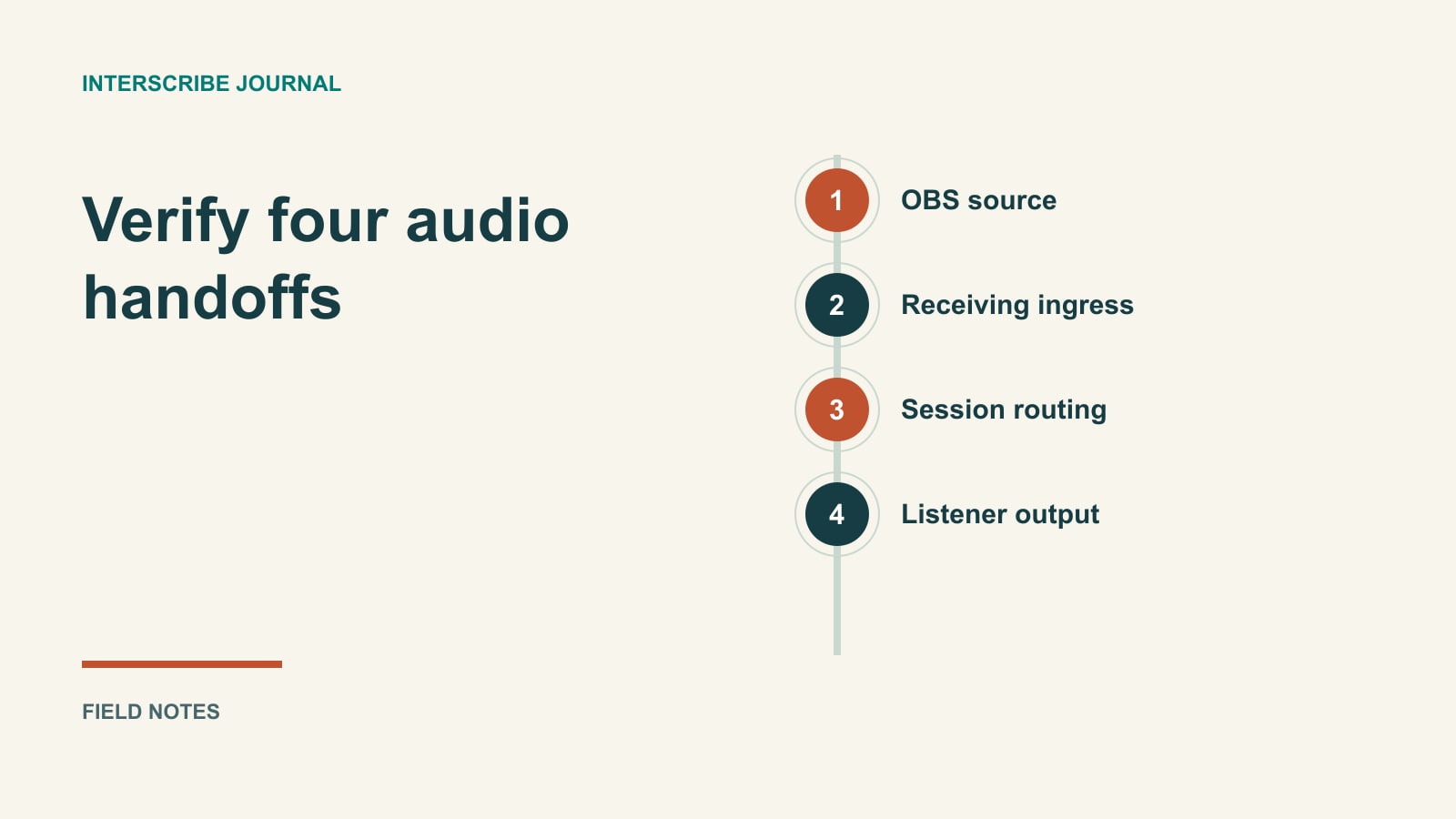
OBS says it is streaming. The event operator sees activity. A listener still hears nothing. Those statements can all be true because an encoder connection, a session’s selected source and the listener’s output are different parts of the path.
Treat the setup as a chain with an observable check at each handoff. Start with one known speaker source, one intended A/V channel and one rehearsal session. Add complexity after you can hear that complete path.
Prepare a clean source before configuring the connection
Identify the audio that should reach interpretation and captions: usually the spoken programme, including questions that need to be understood. Ask the sound operator how that feed is produced. A room microphone pointed toward loudspeakers can include echo and unrelated noise; a suitable desk feed may give you more control, but it still needs testing.
Listen to the actual source in OBS. Speak into each microphone used during the event, including the audience question microphone. Check that the intended audio is included in the outgoing stream configuration, not merely audible in local monitoring.
Avoid feeding the translated listener output back into the source sent for processing. If the same computer plays the attendee stream, use an isolated monitoring arrangement so that desktop audio capture does not accidentally include it. The good audio guide helps with source preparation.
Choose the matching ingress workflow
An ingress is the receiving connection associated with an A/V channel. Confirm which input type your workspace provides and which one the operator is configuring. Do not combine fields from different protocol instructions.
| Input type | Configuration distinction | What to confirm before starting |
|---|---|---|
| RTMP | Encoder sends to the supplied server URL using its stream key | The URL and key belong to the intended ingress |
| WHIP | Encoder uses the WHIP server and authentication details | OBS supports the service and the fields match the provided connection |
| HTTP or SRT URL input | InterScribe is configured with an input URL | The source URL is suitable and the operator understands when the input starts |
HTTP and SRT URL inputs are not the same form as an RTMP push destination. The current URL-input workflow warns that it begins streaming after creation and cannot be reused for another stream. Do not create one merely to collect a reusable encoder key. Have the technical owner confirm that route before using it in a live event.
This guide’s main worked setup uses RTMP. It does not promise that every OBS build, hardware encoder or SRT arrangement is interchangeable.
Set up the RTMP connection in OBS
Create or select the intended RTMP ingress in the workspace’s A/V channel configuration. Record its non-secret name and target channel. Copy its server URL and stream key into the matching OBS stream settings; keep the key out of screenshots and shared rehearsal notes.
OBS documents selecting a streaming service or custom server under Settings → Stream, with the server URL and stream key in their respective fields. Follow the OBS overview for those controls. Do not paste the key into an unrelated URL field simply because both values came from the same page.
If your agreed route is WHIP instead, OBS has a distinct WHIP service with Server and Bearer Token fields. Use the provider’s corresponding details and the official WHIP guide. An RTMP configuration should not be relabeled WHIP without creating and checking the matching receiving connection.
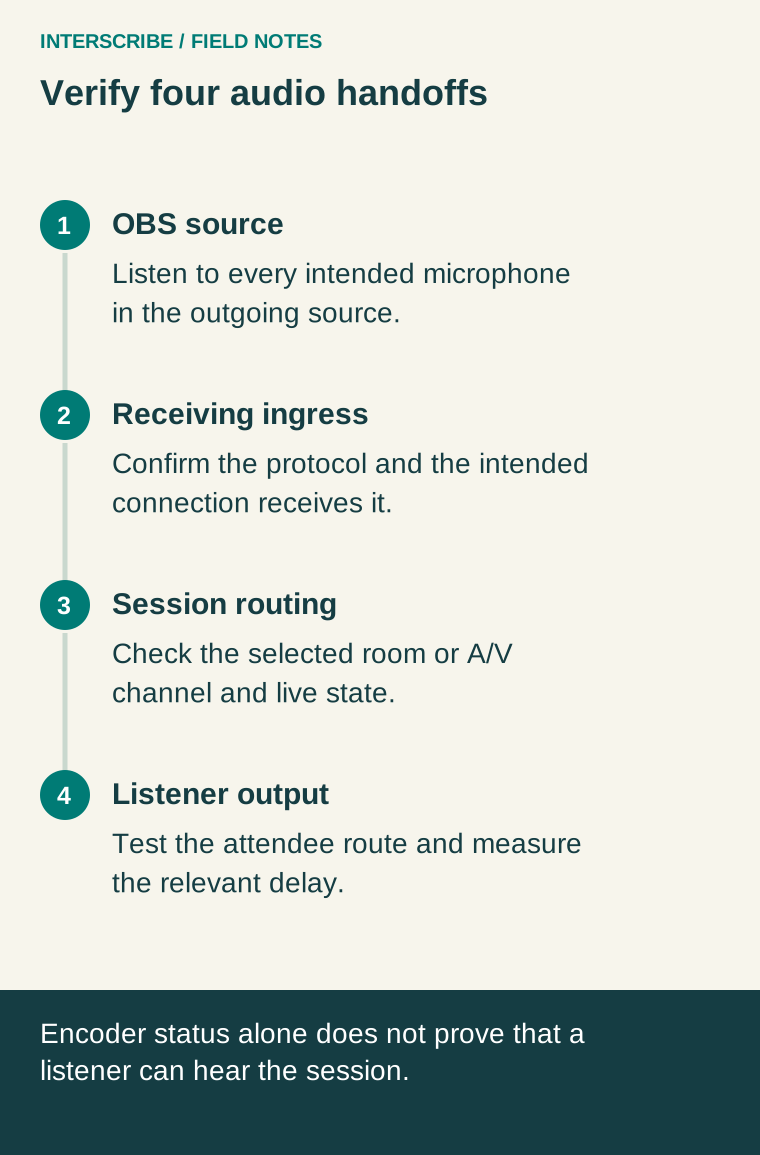
Verify four separate handoffs
- Source: The correct speech reaches OBS cleanly, including every planned microphone.
- Ingress: The intended receiving connection gets that source; the operator checks its state rather than relying only on OBS’s status.
- Session: The session uses the intended A/V channel, directly or through its room. Check the source shown in the session configuration.
- Listener: The session is live and an attendee device receives the intended language or floor audio.
The session guide explains room and audio-source choices. The Console go-live guide explains the difference between preparing the source and starting the listener experience. Source activity alone does not mean the session is on air.
Fictional rehearsal: the guest lecture feed
Imagine a university technician sending a guest lecture from OBS. The rehearsal note identifies “Lecture rehearsal RTMP” and “Auditorium speech” as the intended connection and A/V channel. It does not contain a stream key.
The technician asks a colleague to say a distinctive phrase into the lectern microphone, then the handheld microphone. Another person listens on an attendee device. The team records observations in this worksheet; the entries below are prompts, not claimed measurements.
| Check | Observation to record | Next action when wrong |
|---|---|---|
| Lectern and handheld source | Which microphones are audible and intelligible? | Correct the desk or OBS source routing |
| Receiving connection | Which ingress shows the intended source? | Check the chosen connection and encoder fields |
| Session source | Which room or channel is selected? | Correct the session’s source assignment |
| Listener output | What does the selected listening route actually play? | Check live state, language and device output |
| End-to-end delay | Source cue time and heard cue time, with measurement method | Decide whether this route suits the audience context |
Measure the delay that matters
Do not infer listener delay from a connection gauge or a universal number attached to a protocol. Measure the path the audience will use, record the method and repeat under representative conditions. An interpreted channel also includes the delivery process; distinguish it from the floor when recording observations.
The latency and monitoring guide separates different delay questions. A remote broadcast route that is acceptable for online viewers may be unsuitable for somebody hearing the room’s original sound at the same time. Let the actual listening context drive the decision.
For the event handoff, record the source owner, connection name, channel, session, go-live owner and a pause decision. Store credentials in the approved restricted location. If a path fails, use the four handoffs to isolate it before changing several settings at once. A repeatable listener check is the proof the team needs.