
A visitor recognizes your logo but cannot tell which of three similarly named events is today's session. The portal looks like your organization; it still needs to work like a welcome desk.
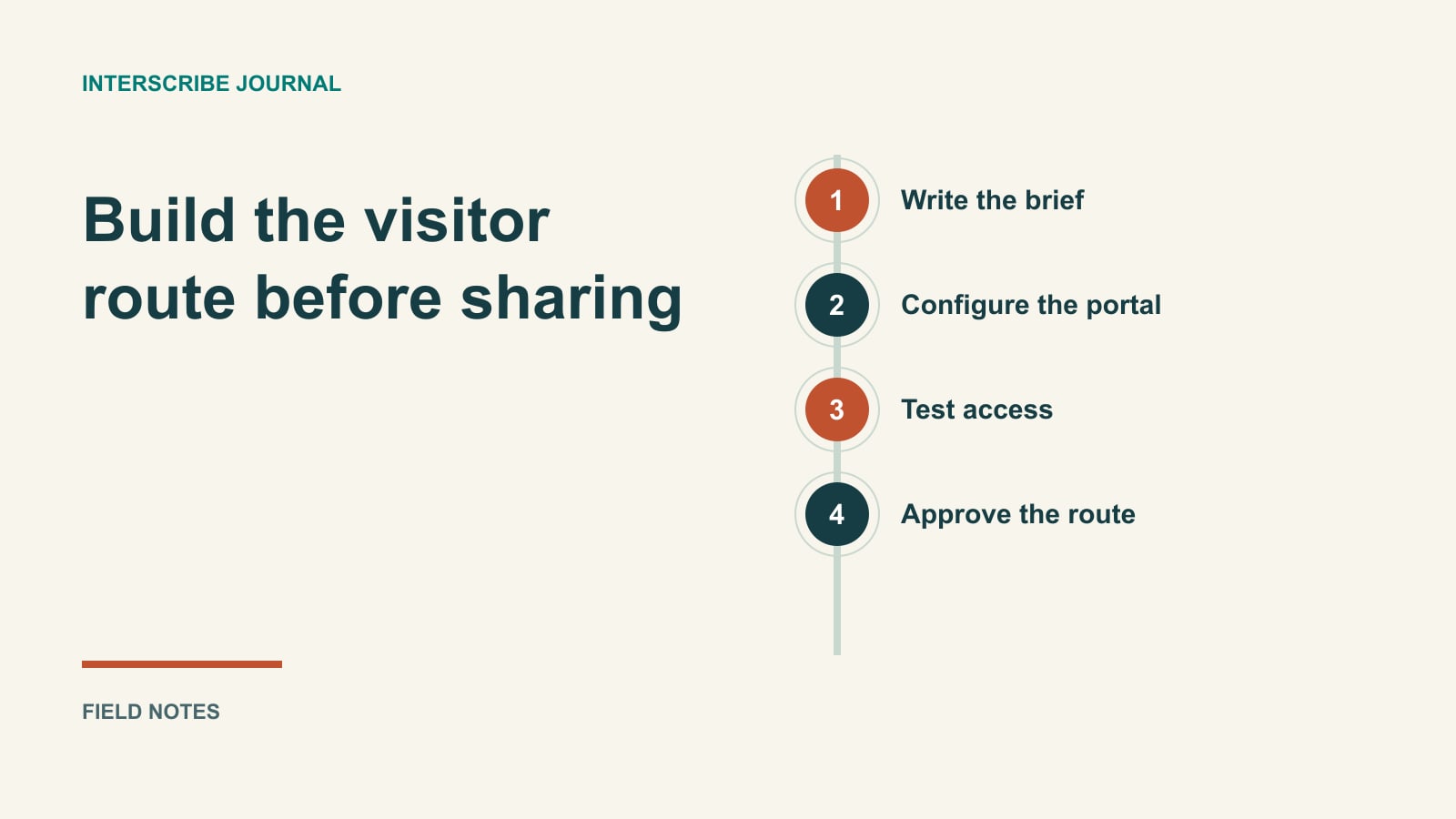
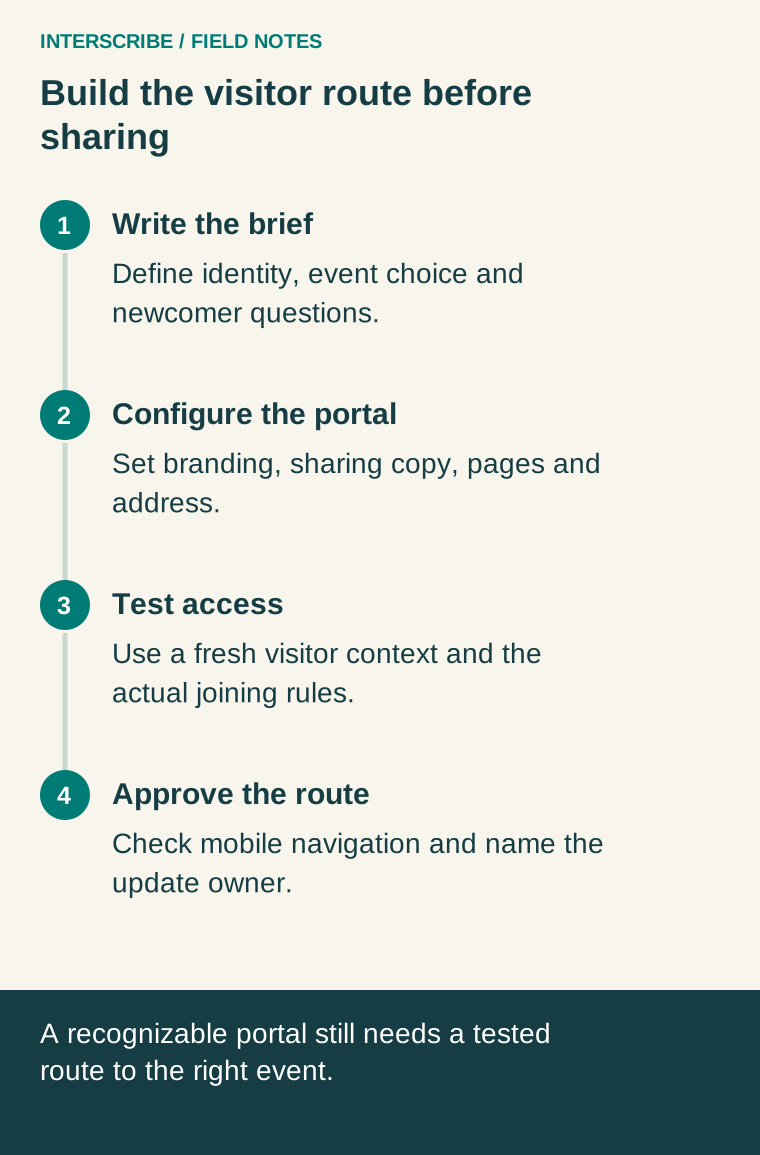
Build it in two passes. First establish identity and the essential content. Then test whether a newcomer can reach the correct event and recover if they choose the wrong one. A polished screenshot is useful, but it does not replace that small journey.
Write the content brief before choosing a colour
For a fictional community learning program, the brief might be:
| Decision | Completed example |
|---|---|
| Portal purpose | Help learners find the next public workshop |
| Recognizable identity | Community Learning logo and program name |
| Main visitor question | “Where is today's workshop?” |
| Welcome headline | “Join a workshop in your language” |
| Supporting line | “Choose your session below; ask the welcome desk if you need help joining.” |
| Event naming | Topic, date and room; avoid three cards called “Workshop” |
| Help owner | Program coordinator; contact shown in welcome content |
| Follow-up destination | A clearly labeled page for reviewed materials, maintained separately |
Notice what the brief does not promise: every possible language, immediate availability of transcripts, or automatic access to restricted events. The authoring choices should match the actual program.
Set the brand and link preview
Open Portals, choose the portal, then Look & address. Under Brand, add the logo and favicon, choose an Accent colour, and select Light or dark. Use Live preview to inspect the result before saving. A favicon is the small browser-tab icon; it should remain recognizable at that scale rather than trying to reproduce a detailed poster.
Under How it looks when shared, set the Headline, One line about it, and an image. This is the text and imagery associated with sharing the portal link, so make it describe the destination accurately. “Join our next workshops” fits a multi-event home page better than the name of one talk that will finish tomorrow. The portal branding guide identifies these controls.
Test your accent colour against its actual background, including focused links and buttons. Do not rely on colour alone to distinguish a canceled event from an available one. If your brand colour is hard to read in the chosen theme, adapt its use rather than making the visitor work around it.
Add useful pages and name the events
Use Pages & links for welcome, privacy, terms and other pages your program needs. Give each page a specific job. A welcome page explains joining; a resource page tells people what materials are available and who maintains them. Avoid a long navigation menu assembled simply because there is room for it.
For each session card, compare the title and description with the invitation. Include a distinguishing topic, date or room where that prevents confusion. Confirm the session is assigned and visible as intended, and that its published status and access rules allow the right audience to open it. Follow Sessions and recurring sessions for session settings rather than assuming portal branding changes event access.
Keep resources in a destination you can maintain. If your organization already uses an LMS or document page, a clearly labeled link may be easier to manage than several duplicated copies. Describe what the reader will get before they leave the portal.
Use a custom domain only when it is ready
Under Your address, enter Your own domain and select Use this domain. Follow What to add at your domain provider, then use Check again. The documented states include Working, Waiting for DNS, and Not set up. The account may instead say a custom domain is unavailable and ask you to contact the team; do not infer an entitlement from an old plan name.
Ask the person responsible for DNS to perform the change using the values shown for your portal. Do not copy another organization's records from a tutorial. Keep the InterScribe address available for your own testing while the domain is being configured, and distribute the custom address after it resolves to the intended portal on a fresh device. Existing link previews may take time to refresh outside your control.
Make the access instructions match the session
An ordinary public listener can read captions or listen without an account, but that is not a blanket rule for every event. A partnership-pass session asks the listener to sign in and hold a valid pass. An access-code session uses the documented Join page or portal flow with the event code and access code; a direct event link or event QR does not prompt for that code and instead leads to access denied.
Keep a separate instruction line for each relevant case. For example: “This workshop needs the access code in your course invitation. Use the Join page with the event code.” Do not label an access code as a password or confuse it with an event code. Check joining instructions and passes when preparing the copy.
Run one first-time mobile acceptance test
Give a volunteer the same invitation the audience will receive. Use a fresh browser without your organizer session. Ask them to find today's event, explain its title and time, open it, select the intended language and locate help. Observe first; coaching them through the page hides the very problems you want to find.
Record these six results:
- Recognition: what tells the visitor this is the correct organization?
- Choice: can they distinguish today's event from other sessions?
- Access: does the correct public, code or pass route work?
- Readability: can they read the headline and instructions on their phone?
- Recovery: can they return and choose another session without losing the route?
- Help: can they find a named support path without asking the author?
A fictional test result might read: “The visitor opened last week's workshop because both titles were identical. Owner will add the topic and date, then repeat the test.” That is a repairable observation, not a conversion-rate claim.
Once the route works, distribute the approved address and matching QR assets. Keep the QR display guide with the portal brief so a print designer, welcome volunteer and web editor all describe the same destination.