
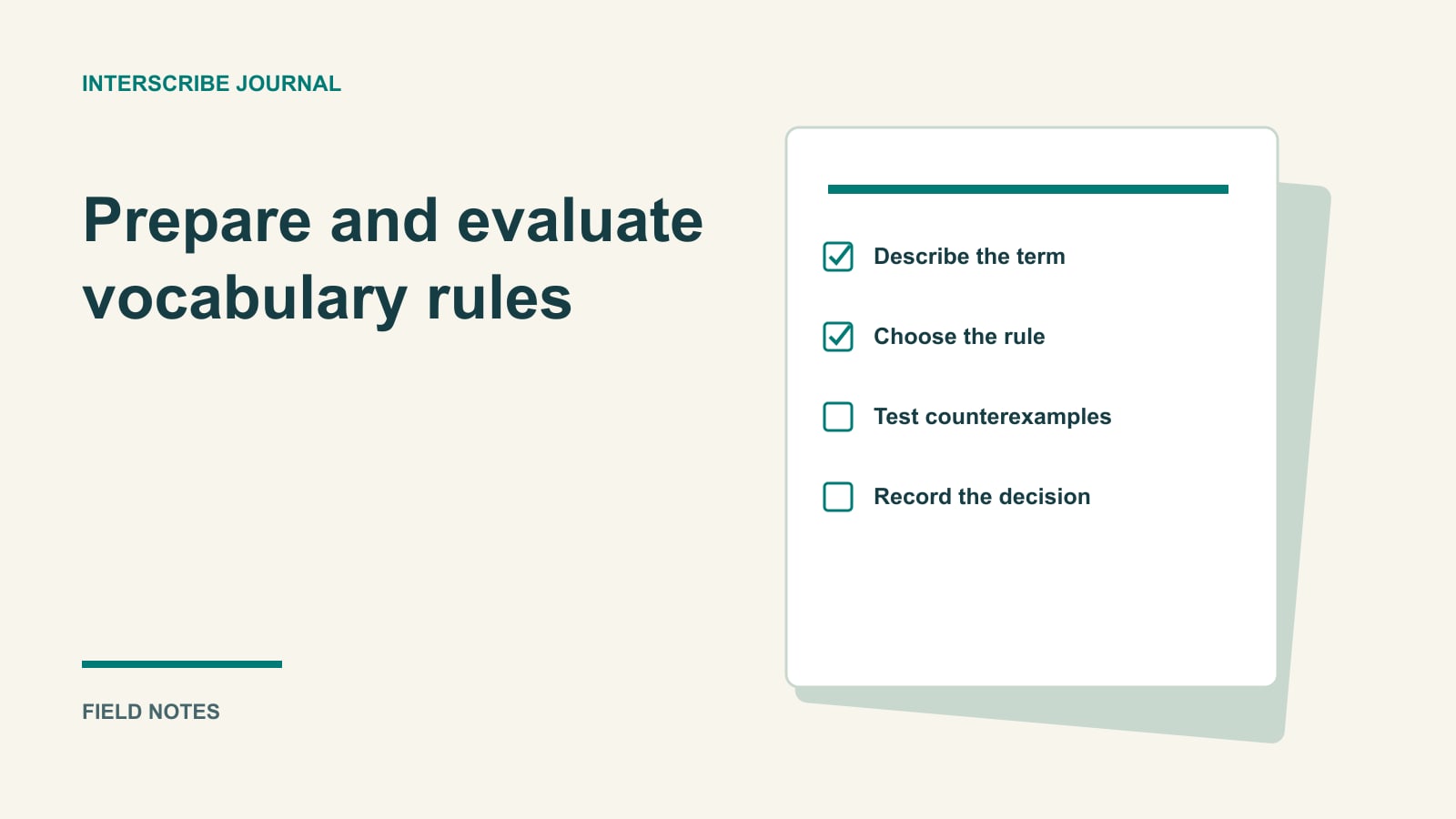
The speaker's name is wrong three times in the rehearsal. Adding every word from the presentation to a vocabulary feels like progress, but it leaves the real question unanswered: which change addresses this particular error, and what else might that change alter?
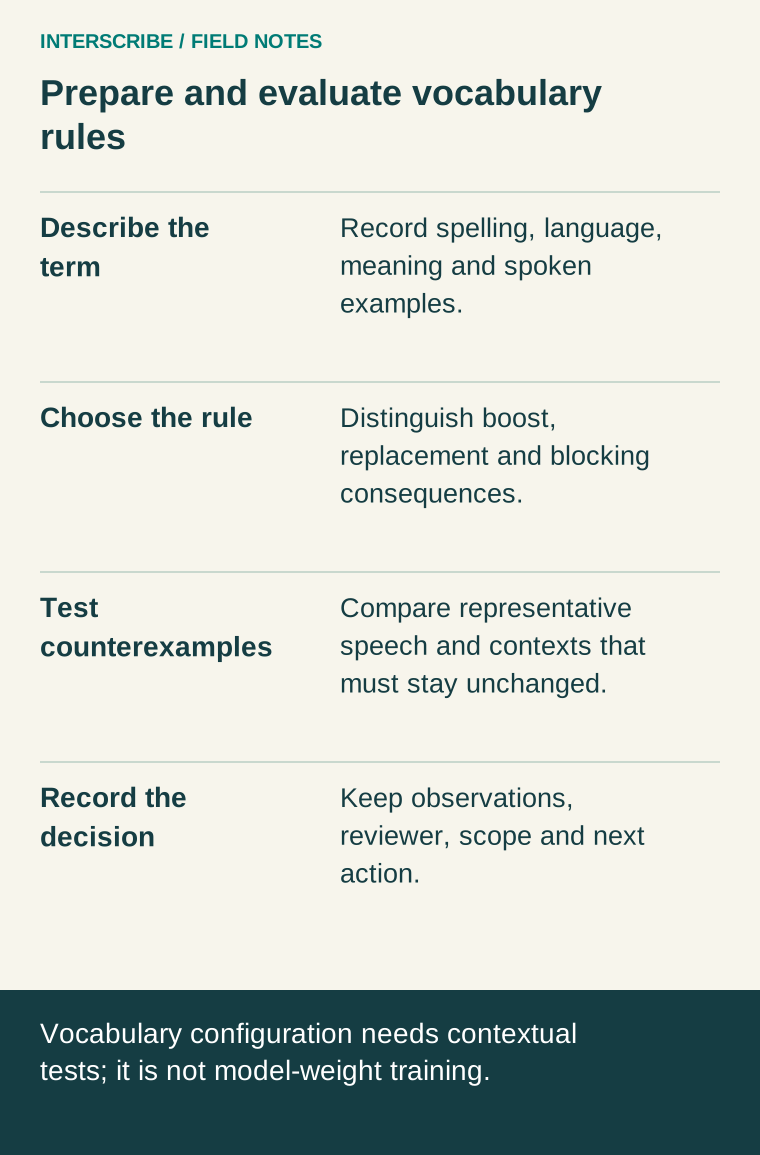
Treat vocabulary preparation as a small editorial experiment. Collect the terms that matter, choose a rule for a specific reason, and test ordinary sentences as well as the troublesome phrase. Keep a record that another operator can understand next week.
Separate three different kinds of preparation
A human glossary can hold meanings, pronunciation notes, approved translations, examples and unresolved questions. It prepares speakers, interpreters and reviewers. Those columns are not automatically fields that InterScribe accepts.
An InterScribe vocabulary contains supported captioning rules. Event type supplies broader context for the session. Neither action means you are training new model weights, creating a private language model, or guaranteeing a particular translation. A familiar-looking output can still be wrong in context.
For theological, scientific or organizational terms, keep the richer human glossary beside the product configuration. The glossary and context guide describes the supported controls; use it to avoid turning a useful preparation document into an assumed upload format.
Build the smallest useful first version
Ask the speaker for their outline and the terms they expect to say aloud. Include proper names, local places, unusual abbreviations and words whose confusion would change an instruction. Confirm spelling with the person or organization concerned. Do not infer it from an old slide.
For each candidate, record the spoken language and a sentence in which it appears. Ask what an audience member should understand. “Neri” might be a speaker's surname; “NEAR” might be an acronym; “near” is an ordinary word. A single list without that context invites overly broad corrections.
Start with the terms your rehearsal actually needs. A long list costs review time and can obscure an unnecessary replacement. Keep removed entries in your own change log so someone does not reintroduce an old problem next month.
Configure and attach the vocabulary
- Open Vocabularies in the sidebar, then New vocabulary.
- Give it a useful Name, select the spoken Language, and add a Description if helpful. Select Create vocabulary.
- Open it and add the appropriate rules. The page shows its term allowance; use the limit shown in your account rather than assuming a universal number.
- Open the actual session. Under Captions & translation, select its Vocabulary and Event type.
- Save and reopen the session to confirm the choices. A vocabulary created elsewhere is not evidence that this event is using it.
For new sessions that should start with the same choice, set it in Event defaults. Existing conference and session settings require separate attention; inherited settings explains their scope.
Choose a rule by its consequence
| Rule | Suitable question | Risk to test |
|---|---|---|
| Boost Keywords | Should the engine pay more attention to this expected name or phrase? | Does an ordinary nearby word start becoming the preferred term? |
| Replace Keywords | Is a specific recognized form consistently wrong in this context? | Could the replacement also change a legitimate use of that form? |
| Block Keywords | Is suppressing this exact term appropriate for this event? | Could removing it hide a warning, quotation or meaning the audience needs? |
Boost terms have a Boost Level. More emphasis is not a reason to choose the highest value everywhere. Replacement changes output; it does not repair missing audio. Blocking is particularly consequential: do not treat it as a general accuracy control or as a substitute for appropriate moderation and review.
Fictional worked example: a campus seminar
A fictional team is preparing a talk by Dr. Neri about a project called Aster Lab. Its initial worksheet reads:
| Term or rule | Intended meaning and owner | Test sentence | Decision before rehearsal |
|---|---|---|---|
| Boost “Neri” | Speaker surname; coordinator confirms spelling | “Dr. Neri will take questions.” | Try a modest boost and inspect output |
| Replace “aster labb” with “Aster Lab” | Project name; project lead approves | “The samples went to Aster Lab.” | Test the specific observed misspelling |
| Block a rehearsal-only marker | Operator's test marker, absent from the real presentation | Speak a test sentence containing the marker | Test only in rehearsal; remove before the real event if unnecessary |
The table describes planned tests, not measured product results. The team also reads “the room is near the laboratory” as a counterexample. If a rule damages ordinary speech, that is a reason to narrow or remove it, even if the target name looks better.
Keep a comparison that another reviewer can repeat
Use the same microphone, speaking sample, speaker-language setting and relevant session choices for the comparison. Record any differences you cannot hold constant. Have a competent reviewer inspect the source captions and each audience language you intend to rely on; a correct source name alone does not establish a good translated sentence.
Copy this rehearsal log:
- Session and vocabulary version:
- Speaker language, microphone and sample:
- Rule changed, and reason:
- Expected meaning and spelling:
- Observed source caption:
- Observed audience-language rendering:
- Counterexample result:
- Keep, revise or remove; reviewer and date:
Count opportunities as well as misses if you compare runs: “two misses in five uses of this name” is more informative than “two errors.” Small, selected samples are local observations, not an overall accuracy percentage or proof of future improvement.
After the event, use Transcriptions to review available outputs and maintain approved follow-up material. Log corrections against the relevant time and language. Do not assume editing a vocabulary during a live event rewrites earlier captions, propagates to every translation, or requires a restart. Rehearse changes for the next session and follow the supported live controls when an immediate intervention is necessary.
For a ministry-specific glossary, continue with theological terminology preparation. For a recurring program, put the review owner into the series setup sheet, so the vocabulary remains useful after its original author moves on.