
A vendor sends a university an accessibility report. The purchasing team sees “Section 508” on the cover and files it beside the quote. Three weeks later, a student cannot operate the registration form with a keyboard.
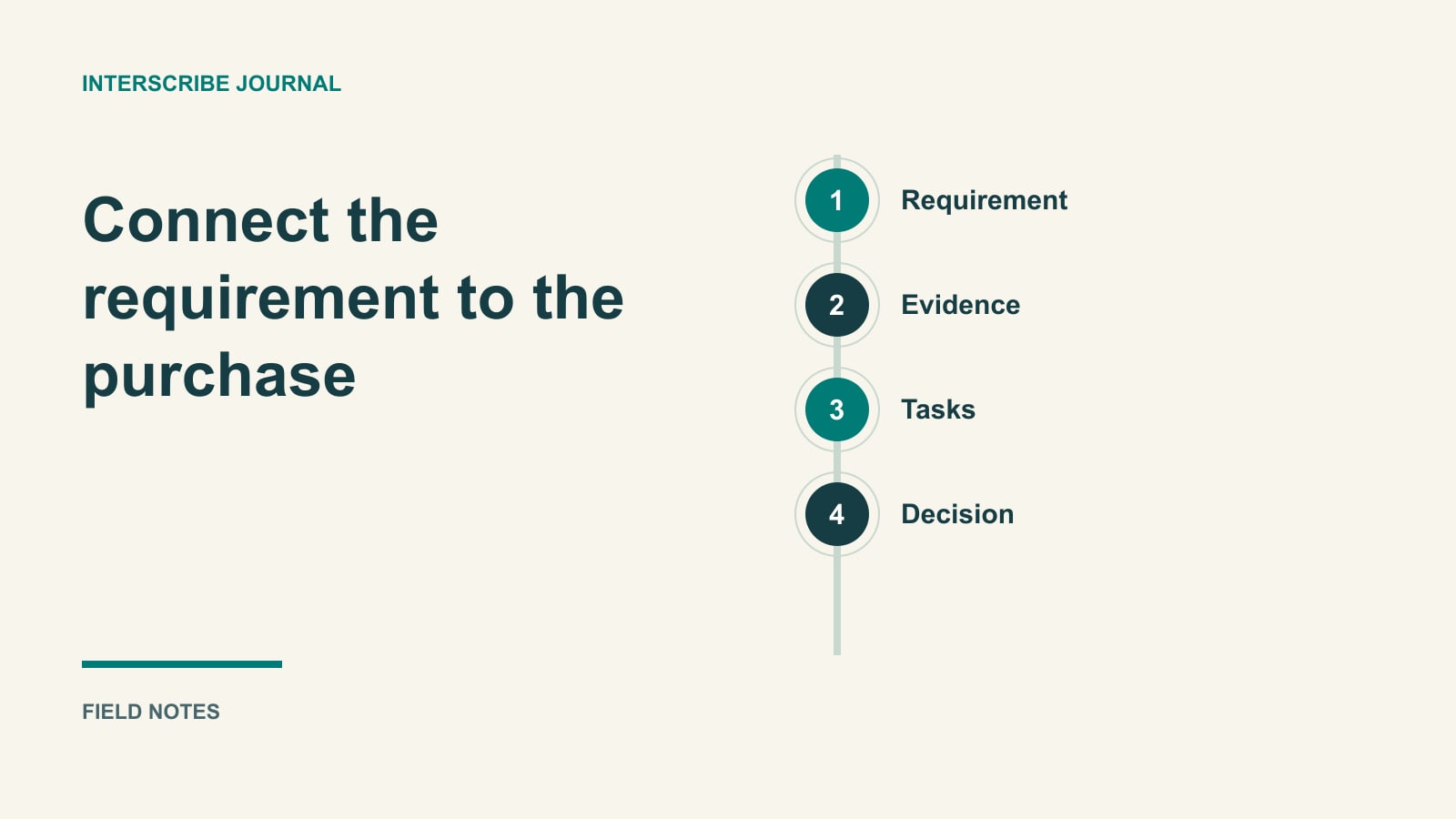
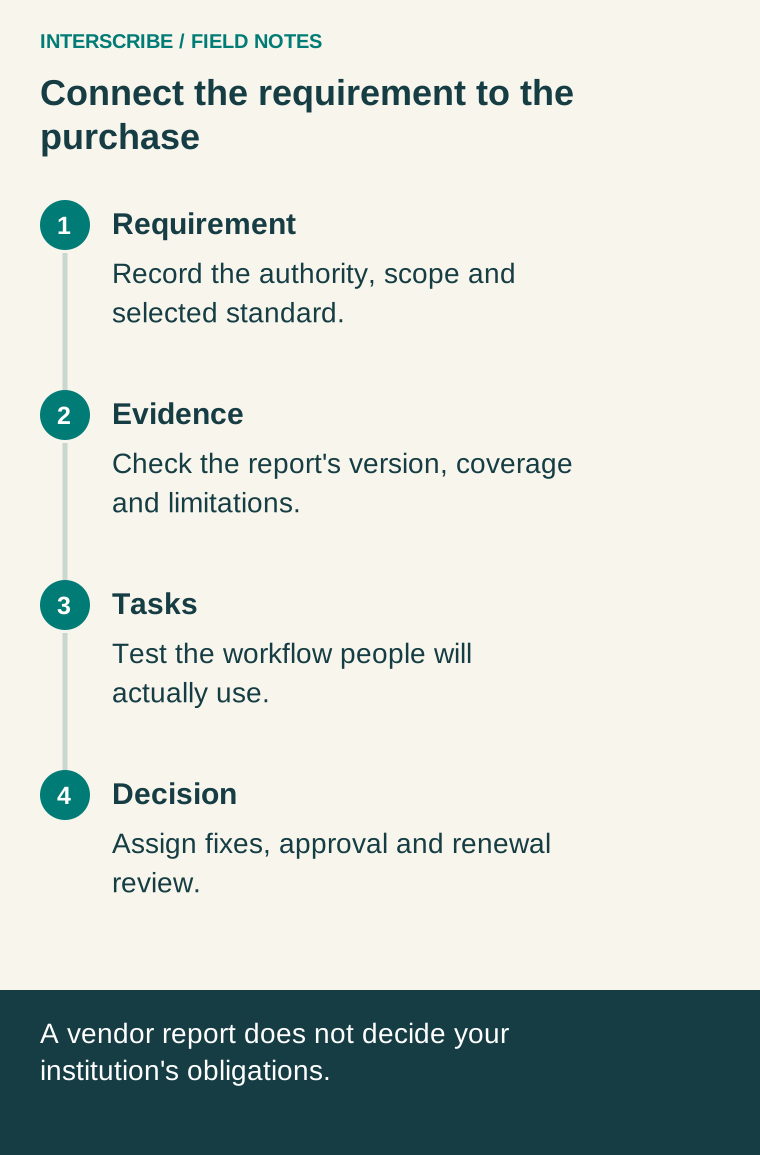
The missing step was not another badge. It was connecting the requirement, the evidence, and the task the institution actually needed people to complete.
This guide helps education procurement teams make that connection. It does not determine which law applies to a particular institution or certify a purchase. Use the institution's accessibility, procurement, and legal authorities to establish requirements; use the worksheet below to make the decision traceable.
Separate three things that often get called “compliance”
First, there is the governing requirement. Second, there is the standard or institutional policy used to assess the product. Third, there is evidence of how the product behaves. A vendor report addresses the third question; it does not settle the first two for you.
Section 508 addresses federal agencies when they develop, procure, maintain, or use information and communication technology. Receiving federal funding is not, by itself, the general Section 508 applicability rule. The government's overview also describes related laws and policies; those relationships need separate assessment. Section508.gov: IT Accessibility Laws and Policies.
That correction does not mean a university has no accessibility obligations. For example, the Department of Education's postsecondary guidance addresses auxiliary aids and services under Section 504 and Title II. Ask your institutional authority to identify the applicable framework, including any relevant state rule, contract, or adopted policy, rather than treating the names as interchangeable. Department of Education: Auxiliary Aids and Services for Postsecondary Students.
Record a specific version and level when a technical standard is part of the requirement. “Meets WCAG” is too imprecise for a purchasing record. Also distinguish a standard adopted by institutional policy from one incorporated into a particular legal obligation. Do not silently replace one with the latest version during scoring.
Open an applicability record before reviewing vendors
| Question | What to record |
|---|---|
| Who is buying and using the system? | Institution, department, service, and intended audience |
| Who decides the requirement? | Named accessibility/procurement authority and legal contact if needed |
| What governs this purchase? | Specific law, contract clause, or institutional policy identified by that authority |
| What is the technical target? | Standard, version, level, product components, and scope |
| What source supports the decision? | Official reference, institutional determination, and date checked |
| What is unresolved? | Question, owner, decision needed, and purchasing deadline |
This is an evidence record, not a self-service legal decision tree. If the answer is uncertain, keep the uncertainty visible and route it to the responsible person. Do not let an empty field turn into an assumed exemption.
Read the report as a report
A Voluntary Product Accessibility Template, or VPAT, is a reporting template. A completed Accessibility Conformance Report, or ACR, communicates a product's accessibility claims. Section508.gov explains the reporting terms and recommends independent validation of vendor claims where possible. Section508.gov: Understanding Vendor Claims.
Ask for the report that matches the product version and components you intend to use. Check who performed the evaluation, when it occurred, the methods used, and the explanation behind each result. A report for a public marketing website may say little about the authenticated course player you are buying.
When you encounter “partially supports,” read the limitation and locate it in your planned journey. “Not evaluated” is missing evidence, not a passing result. For “not applicable,” ask why the criterion does not apply to that feature. Keep these questions tied to the report rather than turning every uncertain answer into a new sales presentation.
Test the work people will actually do
Choose representative tasks with the accessibility team. A useful education-platform sample might include registering, opening a course, finding captions, completing a question, submitting work, and retrieving feedback. Include the roles and assistive technology combinations relevant to the intended users.
Test both the vendor's component and your configuration. Your branding, embedded content, authentication layer, uploaded documents, or optional widgets can change the experience. Record which team owns each problem; the student should not have to resolve a boundary dispute between vendors.
| Task | Vendor claim or evidence | Local observation | Required next step |
|---|---|---|---|
| Register for a lecture | Report covers form controls | Record keyboard and error-message behavior | Assign defects to site owner |
| Follow a recorded lesson | Report describes player support | Test actual captions and controls | Review media as well as player |
| Submit a question | Report covers discussion tool | Try the configured widget | Retest any substitute route |
| Download course material | Report covers export function | Examine the produced file | Assign content remediation |
Use this table alongside a qualified evaluation, not instead of one. A short purchasing demonstration cannot establish full conformance across a large platform.
A fictional purchasing decision
A fictional department is comparing two webinar packages for a guest-lecture series. Package A's report covers its core player but excludes an optional polling widget. The department plans to use that widget in every session.
During the agreed task demonstration, a tester can join and read captions but cannot submit the poll using the required keyboard route. The procurement lead records the affected task, product configuration, and report omission. They ask the supplier for a fix and a demonstrable retest, and ask the event owner whether an accessible interaction route can meet the same teaching purpose.
The team does not label the whole package acceptable because most rows look positive. Nor does it infer a legal exception from its preferred purchase date. The authorized institutional decision-maker evaluates the options, unresolved barrier, and proposed arrangement before approval.
This example illustrates a process. It is not a report about a vendor, customer, or legally sufficient workaround.
Put the decision into the delivery agreement
With procurement and accessibility staff, record the tested product version, supported configuration, known issues, agreed remediation, acceptance evidence, and who will verify fixes. Define how the supplier will communicate changes that affect those conditions. A promised future fix should have an owner and a review point; it is not current evidence of support.
Make the handoff usable for the department operating the service. Include configuration instructions, content responsibilities, a barrier-reporting contact, and a plan for updates. A purchasing file that never reaches the event team cannot guide event-day decisions.
At renewal, revisit the tasks and unresolved issues. Ask whether the delivered fixes work, whether new features changed the journey, and whether the audience or institutional requirements have changed. Preserve the historical evidence rather than overwriting the record with a fresh “approved” date.
For the operational handoff after procurement, use the university accommodation journey. For a focused webinar rehearsal, use the criterion-to-test worksheet.
Leave the purchasing review with four things: an identified requirement, relevant vendor evidence, observations from the intended workflow, and a named authority's decision. That is more useful than a folder containing a report nobody has connected to the actual service.